![]() |
|
|
|
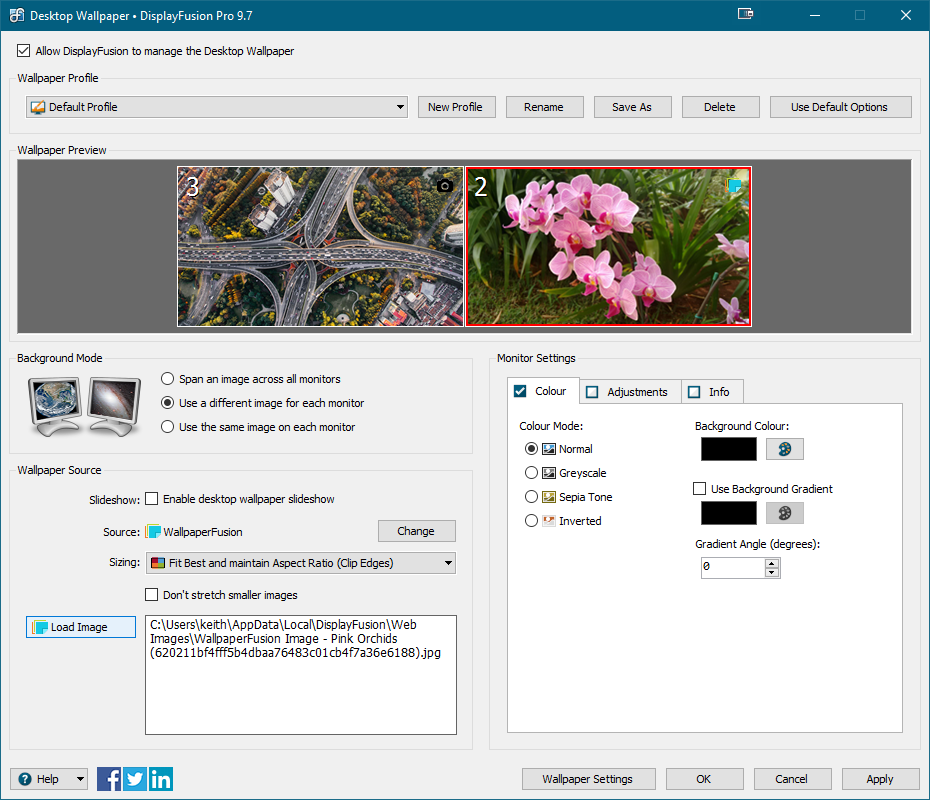
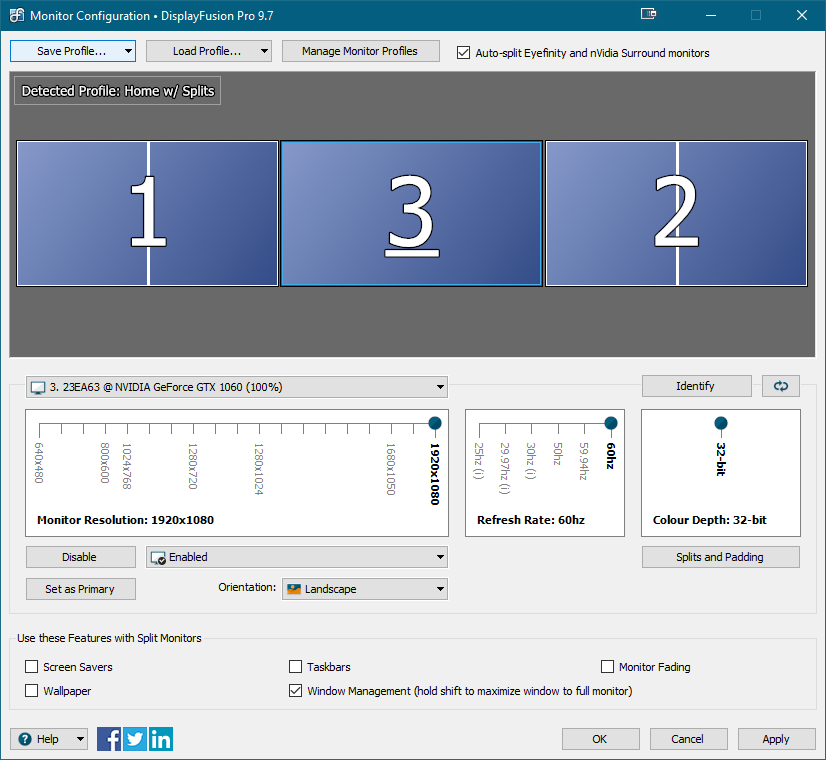
DisplayFusion UpdatesAugust 25, 2008
Just a quick update this morning. DisplayFusion v2.2 is progressing along very nicely now that I have more "free time". The translation into different languages is a very time consuming task and is taking a bit longer than expected, but it's nearly complete now. Also, just a reminder that next Monday, September 1st, the price for DisplayFusion Pro will be changed to $15. If you haven't already purchased a Pro license and are thinking about it I would suggest you purchase one in the next week to save a few bucks. That's all for now, but if anyone has any questions or comments please let me know. New BeginningsJuly 30, 2008
Sometimes life throws interesting things your way. How you deal with those things is up to you, and unexpected things can be both a blessing and a curse. I was let go from my job yesterday, and after having 24 hours to reflect I can safely say that I think this was meant to happen. I have always been a believer that things always happen for a reason, and it's best to just go with the flow of life. Always learn from past experiences, but don't dwell on them or regret them. I enjoyed my time with my employer, learned a lot and met some fantastic people. People I'm sure I'll stay in touch with for years to come. My wife and I have been tossing around the idea of moving to a new city, one that has a stronger IT job scene. After looking at the London (Canada) job boards it looks like it's a real ghost-town for C# developers. So, with no jobs in sight, it looks like the decision to move has been made for us. We brainstormed possible cities that we might enjoy living in, and then narrowed it down to a short-list of just 4 locations. I won't talk anymore about the locations until I'm back from my trip though... my wife and I still need more time to think things over.
G15 SpeedFan v1.0 ReleasedJuly 24, 2008
I have been in a tinkering mood lately, and have had some strong urges to try new things. Over the last few weeks I have dusted off my much neglected C++ skills and hacked together a nifty little plugin for my Logitech G15 keyboard. I have named it G15 SpeedFan. Can you guess what the plugin does? For those who aren't sure what SpeedFan is, it's a fantastic application for monitoring your computer temperatures, fan speeds and voltages. This plugin takes the data that SpeedFan shares and displays it on my G15 keyboard's LCD screen. When I'm playing games, if my CPU or GPU temperatures get too hot the temperature value on the screen changes to bold and I can let it cool off for a bit. Here is a picture of what it looks like in action on my G15 keyboard: I apologize for the poor quality picture, I'm not a professional photographer. If you have a Logitech G15 keyboard why not give G15 SpeedFan a try? It's completely free, easy to setup and very useful once it's running. The Nerdy DetailsIf you're still reading this I'm going to assume you're a nerd like me, or are at least familiar with computer programming. When I looked at developing this plugin I had a couple different frameworks to choose from. I could write a C++ plugin for Logitech's GamePanel Manager, or I could create something using LCD Studio. LCD Studio is more of a drag-and-drop designer, not really what I was looking for. Also, it had to be running all the time, much like the Logitech GamePanel Manager, but the logitech application takes up much less memory. So I decided on the Logitech software. Logitech provides an excellent C++ SDK for the keyboard, complete with example programs and something they call the "LCDUI" framework. It is a framework written to work exclusively with the G15 keyboards and provides functionality like writing images, animations and text to the LCD screen. It is extremely simple to work with, and everything is object oriented. For example, to write text to the screen you just create a Text object, set it up and add it to the screen manager.
CLCDText textBox1;
textBox1.SetOrigin(0, 0);
textBox1.SetSize(LGLCD_BMP_WIDTH, LGLCD_BMP_HEIGHT);
textBox1.SetText(_T("Hello world!"));
m_Objects.push_back(&textBox1);
Done! Now, we just setup some sort of program loop that gets the SpeedFan data every second and then just call SetText again to set the value. To draw the textbox to the LCD screen it's just 2 lines of code. m_LCDOutput.Update(GetTickCount()); m_LCDOutput.Draw(); Voila! If you have any questions about how to use the SDK, or anything else, I'd love to discuss it in the Support Forum. In the meantime, why not give G15 SpeedFan a try for yourself. Fantastic ContraptionJuly 22, 2008
If you haven't heard about Fantastic Contraption what are you waiting for, head over and try it right now. It's a fantastic flash physics game where it's your job to build the craziest vehicles possible to get from one point to another. Sounds easy right? Warning: This game is super addictive and Extracting Files from an MSI PackageJuly 21, 2008
Have you ever downloaded something that you don't want to install, but the files are buried inside an MSI file? Here is a quick and easy way to extract all the files from an MSI file. Just open a command prompt (Start > Run > cmd) and run this command:
Substitute your own MSI filename and extraction path, and voila, you're good to go. If you want to see what the installer is doing while it is extracting just take out the "/qb" argument. IIS 7 and maxAllowedContentLengthJuly 21, 2008
If you are using IIS 7 and you try to upload a file that is too big you will receive this error: The request filtering module is configured to deny a request that exceeds the request content length. The real kick in the teeth here is that I have explicitly set the "maxRequestLength" in my web.config file to be over 100 MB. So, why does it reject a 10 MB upload? Because IIS 7 has it's own setting as well. In order to raise the limit of IIS 7's redundant setting you have to run this from the command line:
Another gotcha is that the setting in the web.config uses KB as the unit, while this setting uses bytes. Keep that in mind when specifying a value. WordPress URL Rewrite v1.0 UpdateJuly 21, 2008
I just wanted to let everyone know that I have repackaged the release WordPress URL Rewrite v1.0. If you have already downloaded v1.0 and it is working for you, you don't need to download this repackaged version. The only difference with the new package is the inclusion of the C++ 2008 Redistributable. This is required for WordPress URL Rewrite to work properly. Make sure you download the correct package for your operating system (either 32 or 64 bit) and install "vc_redist.exe" before you try to use the ISAPI filter (WordPressURLRewrite.dll). Thanks! WordPress URL Rewrite v1.0 ReleasedJuly 20, 2008
I am pleased to announce the release of WordPress URL Rewrite v1.0. It has been over 1 year since the initial release so I thought it was time to re-visit this plug-in and clean it up a bit. I have made some performance improvements in the URL processing, along with a change that will allow much longer URLs to be processed correctly. I took the time to update the documentation that accompanies it as well, so hopefully it is more complete now and easier to understand. I would urge everyone that is using the older version (v0.1) to update to this new version. There are 32 and 64 bit builds available and both are digitally signed to prevent tampering. As always, if you find any bugs or need any help I would encourage you to visit the Support Forum. For those of you who aren't familiar with WordPress URL Rewrite, let me give you a quick tour. It is an ISAPI filter for IIS 5 and 6 that takes the default ugly WordPress URLs and turns them into meaningful, easy to remember URLs. It has been tested with all the WordPress v2.x versions and is super-easy to setup. If you are using WordPress on IIS I would encourage you to check out WordPress URL Rewrite today. Book Review: Don't Make Me ThinkJuly 19, 2008
In the last few weeks I have had the urge to broaden my skill set. I have started reworking my WordPress URL Rewriter (C++) to improve performance, along with memory usage, and it will be ready for release in the next couple days. Also, I recently purchased a Logitech G15 keyboard (which I'll be reviewing at a later date) that has an embedded programmable LCD screen. I have written a plugin that I'll be releasing shortly as well, also written in C++. I feels good to get outside C# once and a while, into the crazy world of unmanaged code. It's like the wild west of coding. You have complete freedom, but you'd better know how to use that freedom, or you'll end up creating a leaky, buggy, creaky old piece of unmaintainable code. Working in C++ again has been great, but I have felt the urge to expand in other, non-coding areas as well. This is where the book review fits in. Since I take the bus to work, I figured there must be a more productive way to spend my 30 minute bus ride than listening to music. With that thought in mind, I jumped onto the Amazon website and grabbed up 3 recommended books. The first book I decided to read is called Don't Make Me Think: A Common Sense Approach to Web Usability by Steve Krug, and it was a great read. This is the second edition of the book, and was updated and released in 2006 to provide more up-to-date advice than the first edition. The great thing about this book is how technologically independent it is. It doesn't matter if you write web applications in ASP.NET, Ruby on Rails or straight up HTML - this book will apply to you. The only mention of a specific web related technology is the few bits on CSS, but it's pretty light. The book's chapters flow together in a logical order, and all of them contain little gems of advice. I have been doing web development for many years now, so some of the information seemed obvious, but the chapters were full of little bits of wisdom that seemed to fill in the gaps. The one chapter that provided the most useful information for me was the chapter on usability testing. I have never had the opportunity to work for a company who provides a budget for usability testing. One of the little gems from this chapter is this: After you've worked on a site for even a few weeks, you can't see it freshly anymore. You know too much. The only way to find out if it really works it to test it. This is so true, and not just for software development. I have always held the belief that you need a second set of eyes to review your work on a regular basis just to let you know if you're still on track. You get so close to the interface design and you're so used to using it that you can't see the glaring errors anymore. The next great chapter was the one titled "The Home Page is Beyond Your Control". This paragraph pretty much sums it up: Everybody wants a piece of it. Since it's the one page that almost every visitor sees - and the only page some visitors will see - things that are prominently promoted on the Home page tend to get significantly greater traffic. As a result, the Home page is the waterfront property of the Web: It's the most desirable real estate, and there's a very limited supply. Everybody who has a stake in the site wants to get a promo or link to their section on the Home page, and the turf battles for Home page visibility can be fierce. Does this sound familiar? Where I work it's a constant struggle to try and reduce the volume of content on our home page, and one that I rarely win. It's nice to know that at least Steve Krug is in my corner. The "Usability as Common Courtesy" chapter provides a summarized list of "dos" and "don'ts" for web design. I'm not going to re-post the list here, but I will post the biggest "don't" on his list. This is one that frequently bothers me when shopping online. Don't hide information that I want. [...] Some sites hide pricing information in hopes of getting users so far into the process that they'll feel vested in it by the time they experience the "sticker shock". I can't count the number of times I have priced out some items on a website, added them to my virtual cart, then proceeded to the checkout. At this point, the most important thing to me is how much they are going to charge me for shipping. Some websites providing a shipping cost estimator at this point, the poorly designed ones don't. Some sites I have been on want to have you create an account, collect all of your personal information including all the payment information, then they show you the shipping cost on the final payment confirmation screen. It's usually at this point that I realize why they waited so long, it's because they're trying to rip me off. All sites should just be up-front about their shipping costs. Most of the time if a site won't tell me how much shipping is going to cost up-front I won't give them any information to find out. The 11th and final chapter in the book is titled "Accessibility, Cascading Style Sheets, and You". Accessibility is something that I don't have as much experience with as I should (or would like to). One of the first tests he does for accessibility in this chapter is to increase the font size of the current web page. If the page breaks, it fails the test. Very simple first test. He goes on to talk about other testing methods and other ways to provide better accessibility. I have never had the privilege of watching someone use a screen reader to browse the web, but he provides this bit of information to help you imagine how they do it: Screen-reader users scan with their ears. [...] They listen to the first few words of a link or line of text. If it does not seem relevant they move quickly to the next link, next line, next heading, next paragraph. Where a sighted user might find a keyword by scanning over the entire page, a blind user may not hear that keyword if it is not at the beginning of a link or line of text. It is so important to have relevant information contained in your links. Instead of something like: You could try something like: It's more simple, to the point, and someone with a screen reader will immediately know that it's a link to buy shoes. Everyone wins. Overall this book was brief (just 185 pages) but very concise. The pages were full of right and wrong design examples, along with example scripts to use when performing usability testing. The book was easy to read and the information was easy to digest. I think it is aimed at more of a novice, or someone unfamiliar with proper web design principles, but the information it shares can benefit everyone. I would gladly recommend this book to someone starting out in web design, or someone interested in setting up their first usability test. Feeding My Wife's AddictionJuly 13, 2008
My wife is a huge Tetris nut. I'm not saying she enjoys Tetris, I'm saying that she has a hardcore addiction to the game. She started playing it when it was first introduced on the Nintendo GameBoy and her love for the game was re-ignited when we bought our Nintendo DS last year. She plays it every night before bed, always online, and doesn't accept defeat. So, when I heard that someone was making Tetris ice cube trays, I knew they would be the perfect gift. They are made by a company called Mystake in Russia. I contacted them last month to order a pair of trays but was told they aren't available yet. I pleaded my case and Dima agreed to ship me 2 trays. Well, they finally arrived a couple of weeks ago and I've had a chance to try them out. My first attempt at using the trays proved to be a huge disaster. I tried to make Tetris shaped Jello pieces, but the Jello just stuck to the silicone Tetris trays and I couldn't get it out. Does anyone know how to prevent Jello from sticking to silicone? I sure don't. So, on my next attempt I stuck with making ice cubes and they turned out perfectly. My wife was pleasantly surprised to find Tetris shaped ice cubes in her drink one night - the present was a huge success. On a side note, if you think you've got the necessary Tetris skills to put my wife in her place, please let me know. I've been trying to beat her for years and have never been able to. So, I figured that if I can't beat her I'll just find someone who can. Any takers? Page |
Features
|