HotKeys

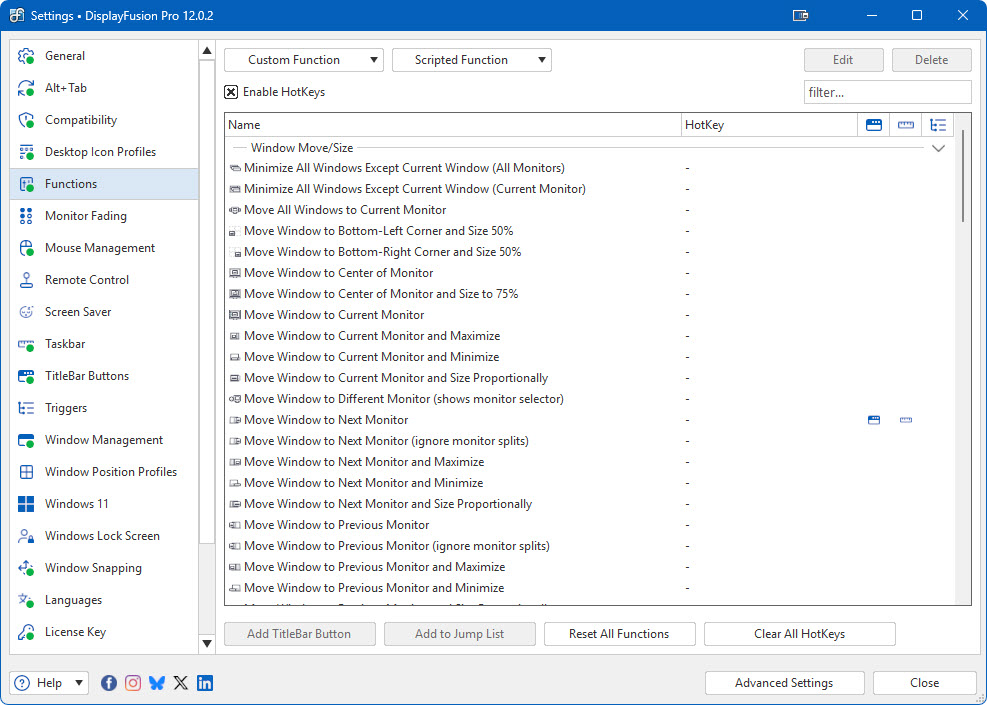
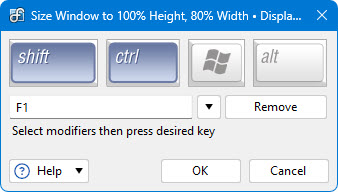
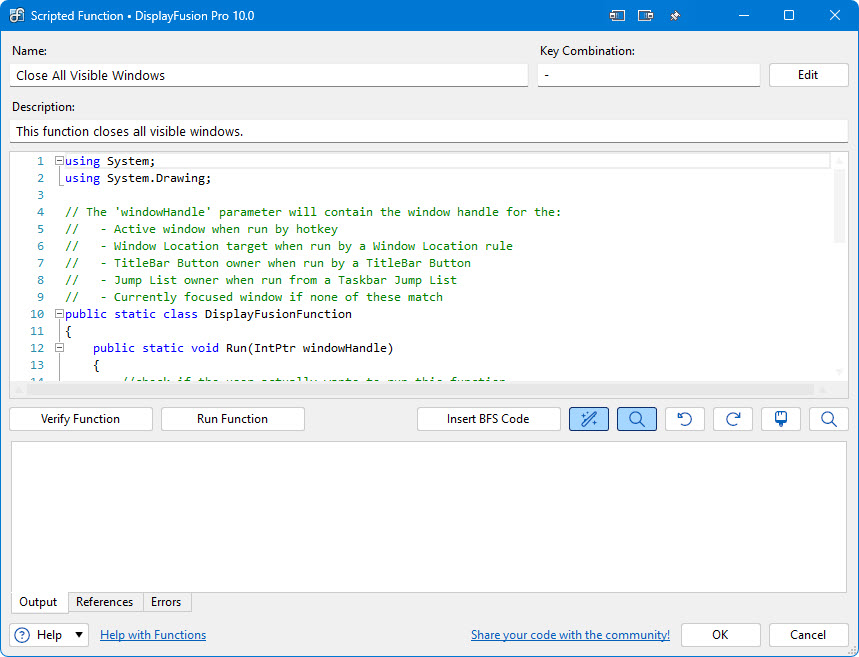
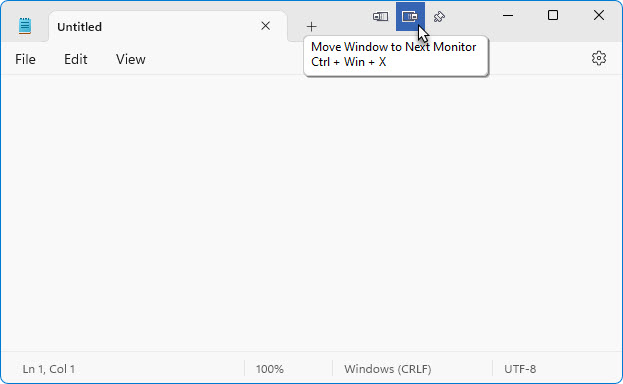
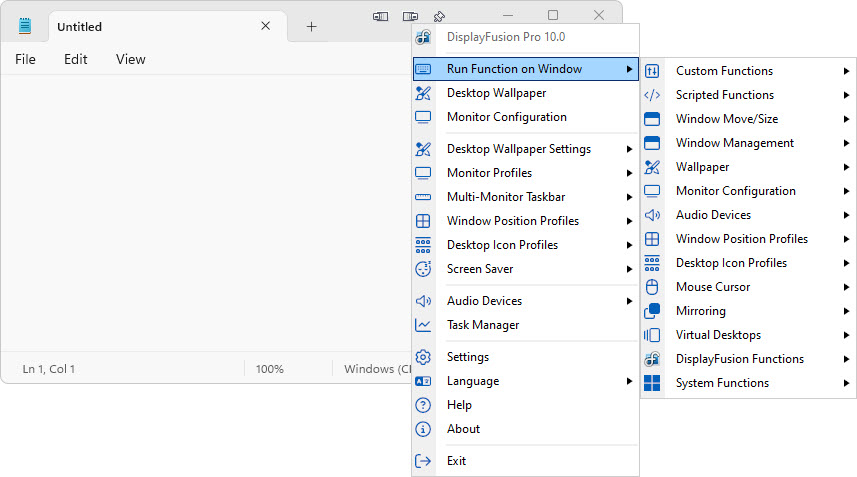
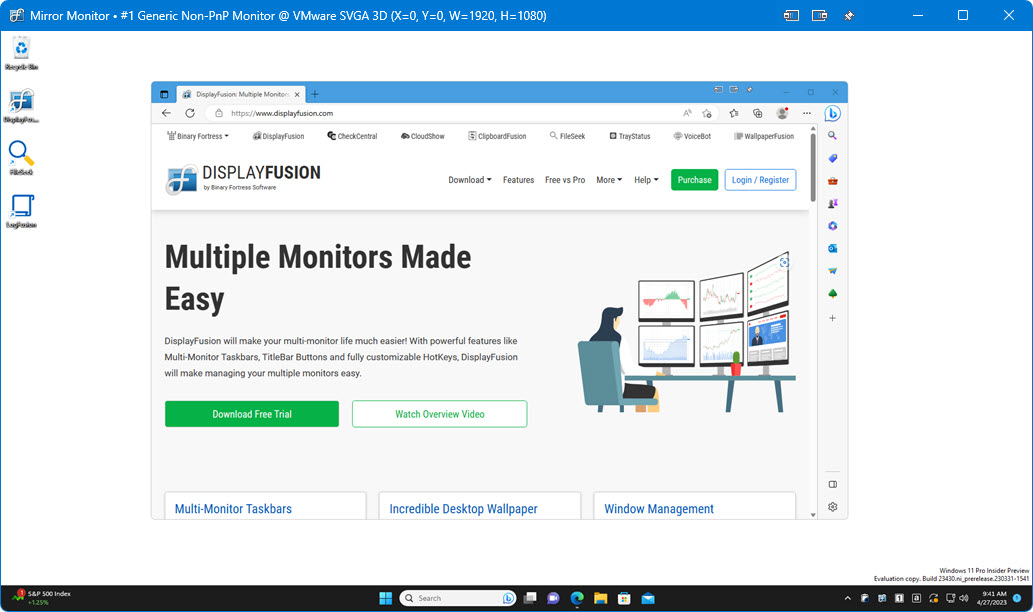
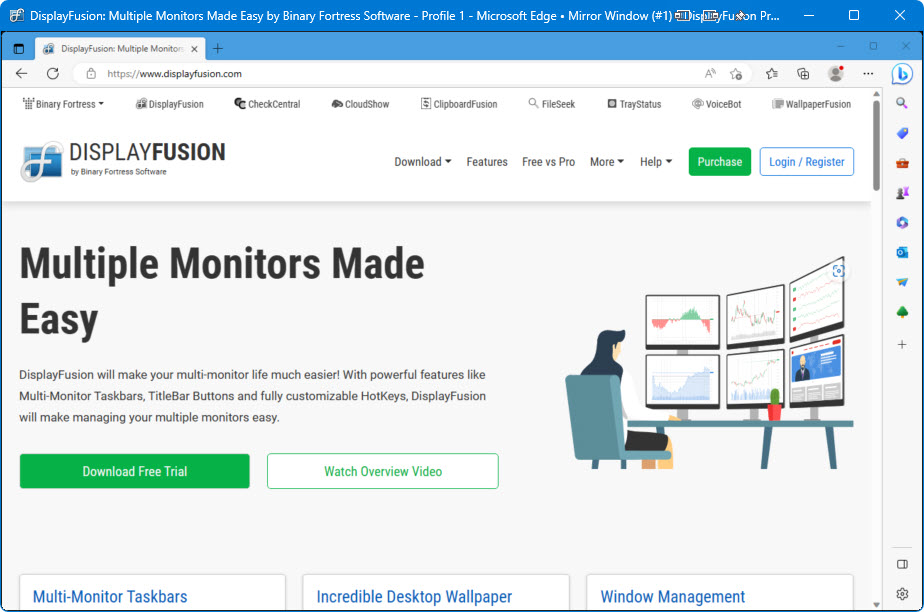
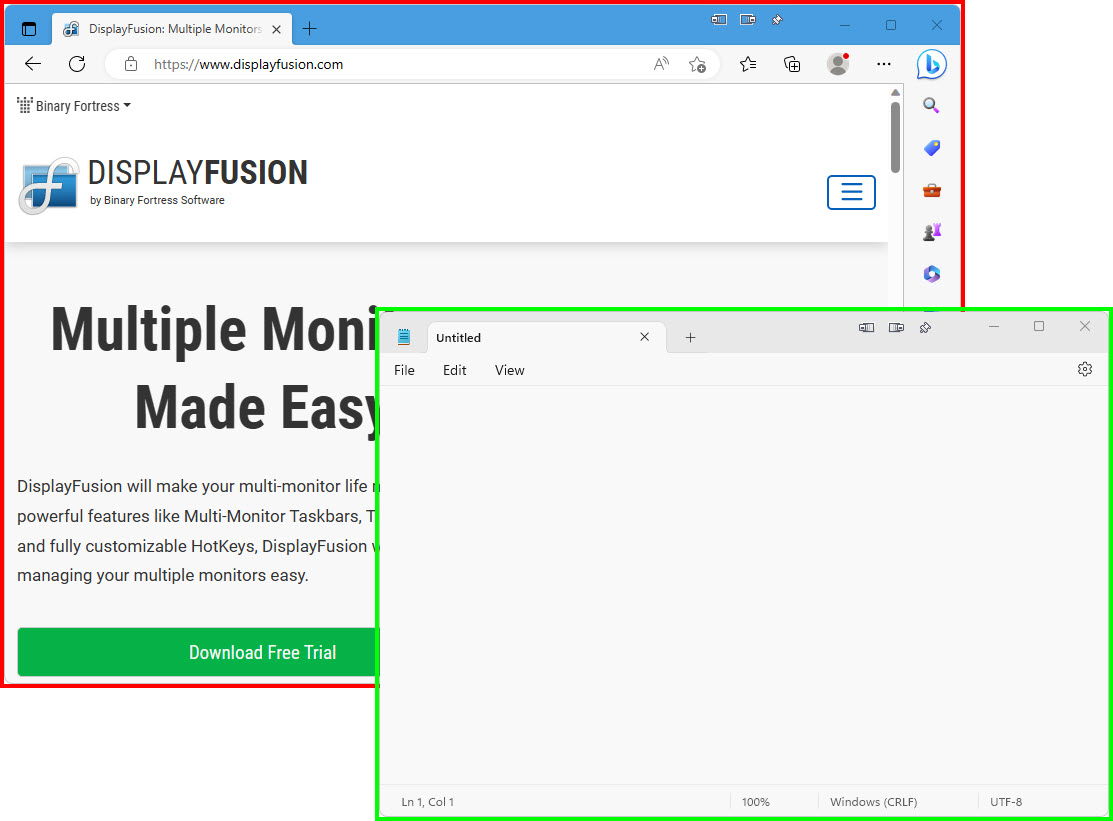
DisplayFusion comes bundled with over 20 pre-configured HotKeys, or you can create your own powerful custom HotKeys. This demo shows the TitleBar Buttons feature in action, which uses the HotKeys to perform actions on windows. Some of the best HotKey functions include toggling windows to be "Always on top", toggling transparency, and locking the mouse cursor to the current window or monitor!
Pre-Configured HotKeys
| HotKey Action |
Default Key Combination |
| Lock/Unlock Mouse Cursor to Current Monitor |
-- |
| Lock/Unlock Mouse Cursor to Focused Window |
-- |
| Maximize Window |
-- |
| Minimize Window |
-- |
| Move All Windows to Current Monitor |
-- |
| Move window to centre of monitor |
CTRL + WIN + Q |
| Move window to centre of monitor and size to 75% |
CTRL + WIN + S |
| Move window to next monitor |
CTRL + WIN + X |
| Move window to next monitor and maximize |
CTRL + WIN + A |
| Move window to next monitor and size proportionally |
CTRL + WIN + Z |
| Move window to previous monitor |
CTRL + WIN + W |
| Move window to previous monitor and maximize |
CTRL + WIN + E |
| Move window to previous monitor and size proportionally |
CTRL + WIN + D |
| Next random wallpaper image |
CTRL + WIN + R |
| Restore Window |
-- |
| Send Window to Back |
-- |
| Show Monitor Selector |
-- |
| Size and move window to bottom side of monitor |
CTRL + WIN + DOWN |
| Size and move window to left side of monitor |
CTRL + WIN + LEFT |
| Size and move window to right side of monitor |
CTRL + WIN + RIGHT |
| Size and move window to top side of monitor |
CTRL + WIN + UP |
| Span window across all monitors |
CTRL + WIN + ~ (tilde) |
| Start Screen Saver |
-- |
| Toggle Freeze Current Wallpaper Images |
-- |
| Toggle HotKeys |
-- |
| Toggle Multi-Monitor Taskbar |
-- |
| Toggle TitleBar Buttons |
-- |
| Toggle Window Always on Top |
-- |
| Toggle Window Transparency (50%) |
-- |
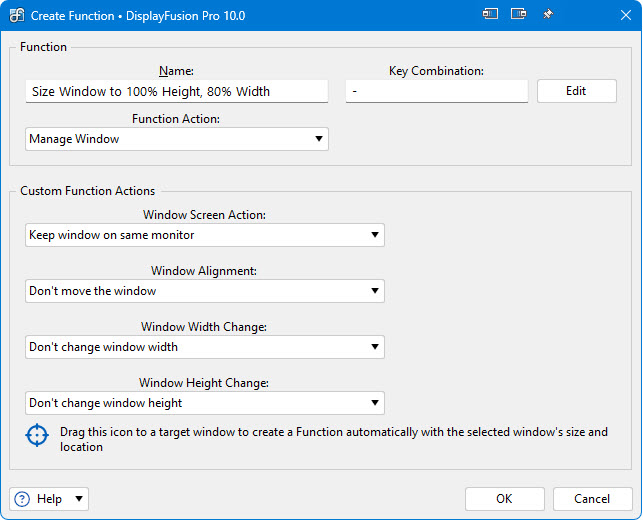
Custom HotKey Actions
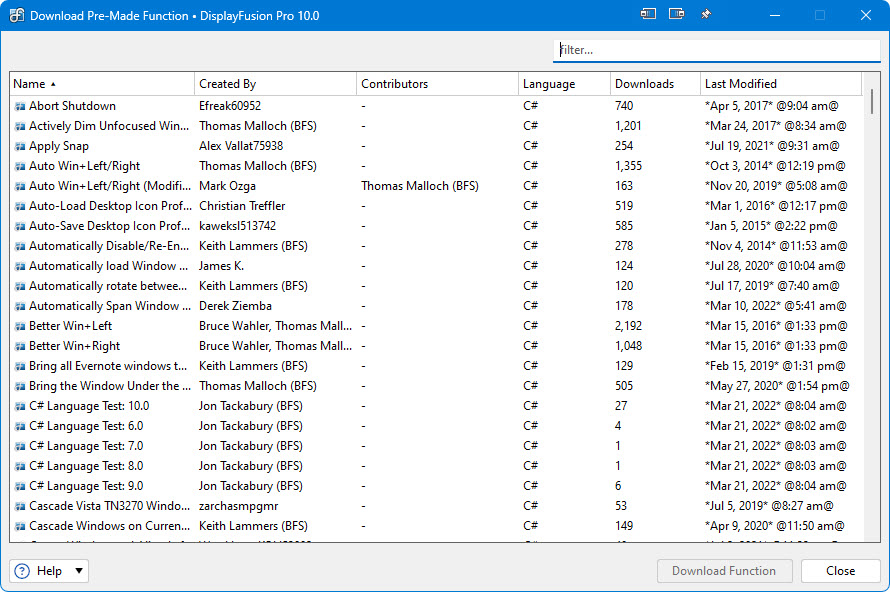
- Lock the mouse cursor to the current window or monitor
- Load a Wallpaper Profile
- Load a Monitor Profile
- Set a window's transparency
- Move a window to next/previous monitors
- Move a window to a specific monitor
- Move all windows to a specific monitor
- Move a window to a specific location
- Span a window across all monitors
- Move a window to a side or corner of the monitor
- Re-size a window to a specific value
- Re-size a window to a percentage of the monitor size
- Show a Monitor Selector for easy window management
- Toggle a window to be "Always on Top"
- Toggle DisplayFusion features like the HotKeys, Taskbars and more
- Load the next Wallpaper image (if random images is enabled)
- Start the Windows Screen Saver
- And more!
Screenshots