Matthew Buxton
21 discussion posts
DisplayFusion version 12.1.1 also tried 12.2 Beta 5
Microsoft Sticky notes as downloaded from the Microsoft store here - https://apps.microsoft.com/detail/9NBLGGH4QGHW?hl=en-gb&gl=IE&ocid=pdpshare
When using DisplayFusion, sticky notes are blanked out as per the attached screenshot. They briefly open correctly, then the window is painted completley black (add your own jokes or Rolling Stones references here).
The correct behaviour is that the sticky note should open and the user be able to enter text.
Disabling DisplayFusion by exiting it from the notification area restores full functionality to Sticky Notes app, no more black notes.
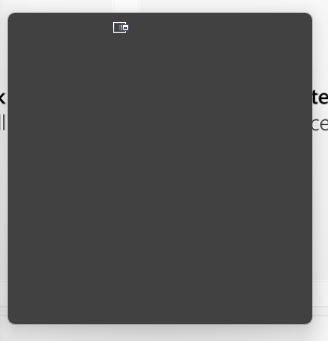
Screenshot 2026-11-02 112539.png
6 days ago (modified 6 days ago)
•
#1
I tested it here but I can't seem to reproduce it. Do you have a trigger set to move the window on launch?
Matthew Buxton
21 discussion posts
That is correct I do have a trigger set up to make sure new windows open on my main monitor, since my second monitor is actually the AVR and used only for sound (but there's no 'sound only' mode for HDMI in windows).
Could you send me a screenshot of the trigger you created?
Thanks for sending that over, I was able to reproduce it here so I've added it to our list to look into.
Thanks!