
BFS Deleted Customer Accounts
39 discussion posts
I noticed at the startup menu that theres multiple items within DisplayFusion. (Disregard the startup time my system speeds through login in/start up). I'm just confused that theres this many items, and from time to time it changes in number. Yesterday when I screenshot this it was 31 and now it's 11 items at startup under DisplayFusion.
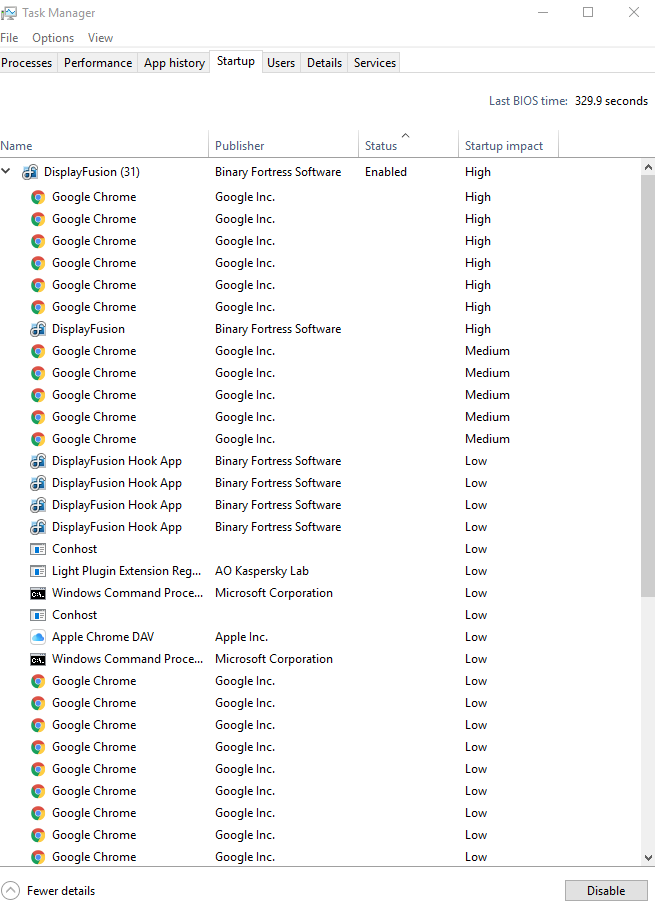
2017-04-20.png
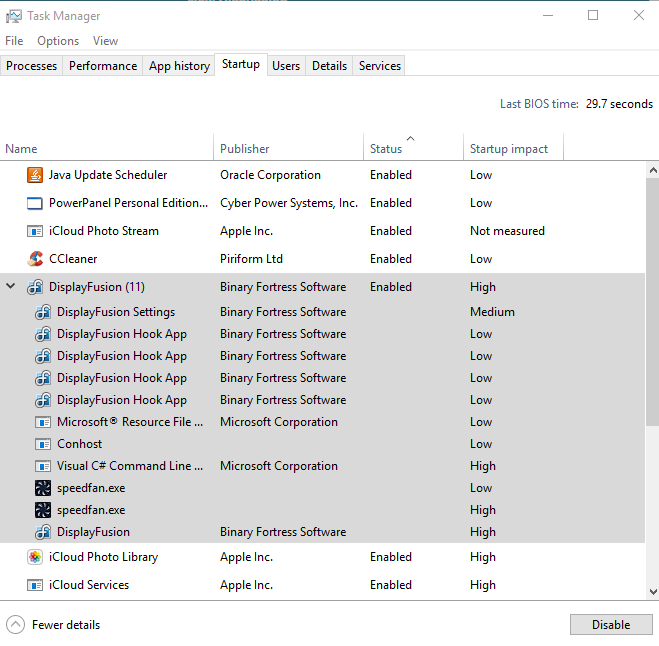
2017-04-21 (1).png
Do you have any DF Trigger rules that launch programs when DisplayFusion starts up?
BFS Deleted Customer Accounts
39 discussion posts
No I just have SpeedFan tasked to be launched after DisplayFusion on startup. Other than that I only have triggers for when a program is launched to do something.
Ok, are you launching any apps from shortcuts on the DF taskbar as well?












