
Ryan251
4 discussion posts
I am running Display Fusion Pro 12.0.2 on Win 11 25H2 and created a trigger to call an action upon profile change. The action works fine (tested independently of the trigger), but the trigger never 'triggers' when I change profiles.
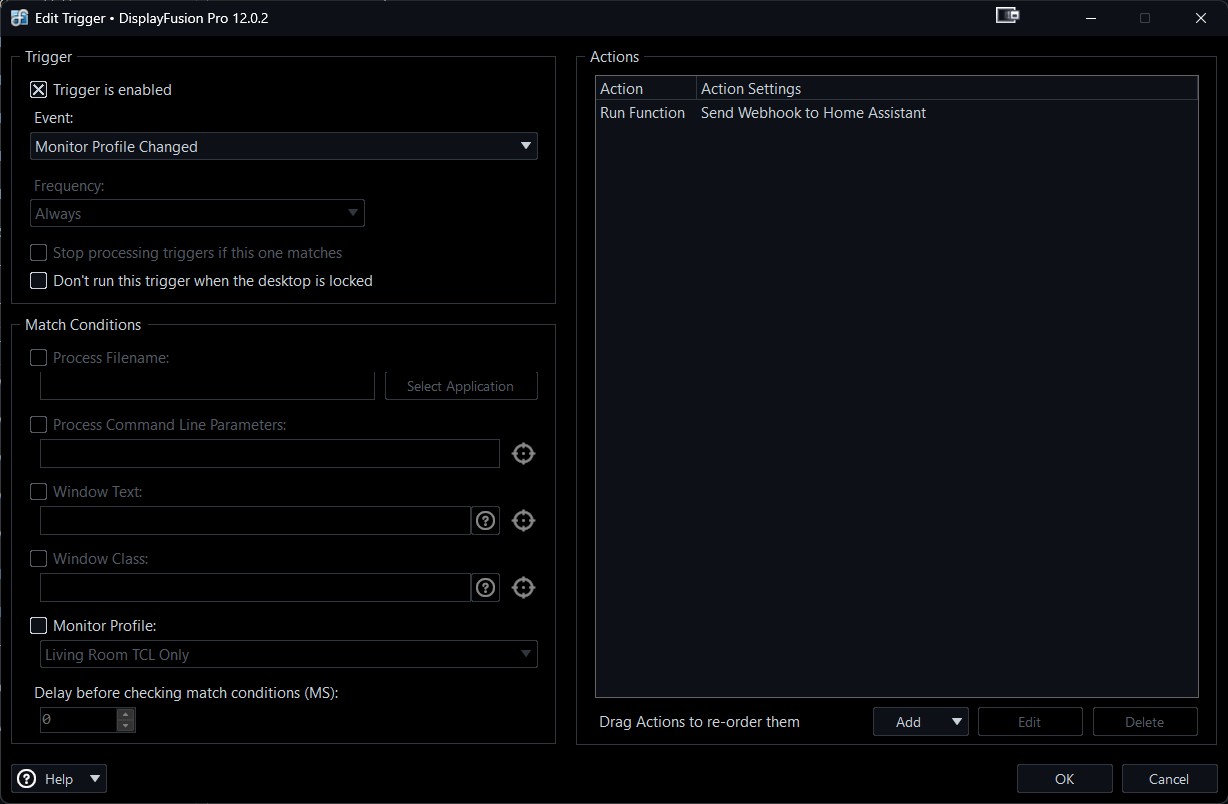
The trigger is set up as follows:
Trigger: Enabled
Event: Monitor Profile Changed
Action: A scripted function that sends a webhook to my Home Assistant (when I run/test this action independently, it works fine).
I found an old thread by someone else with this issue, and it appears reloading and re-saving the profiles resolved the issue. Unfortunately, this is not the case for me. Reference that thread here: https://www.displayfusion.com/Discussions/View/trigger-not-activating-when-monitor-profile-has-been-switched/?ID=0196970a-a9aa-7427-b8de-bba4a4e7f421
Screenshot 2026-05-11 144826.jpg
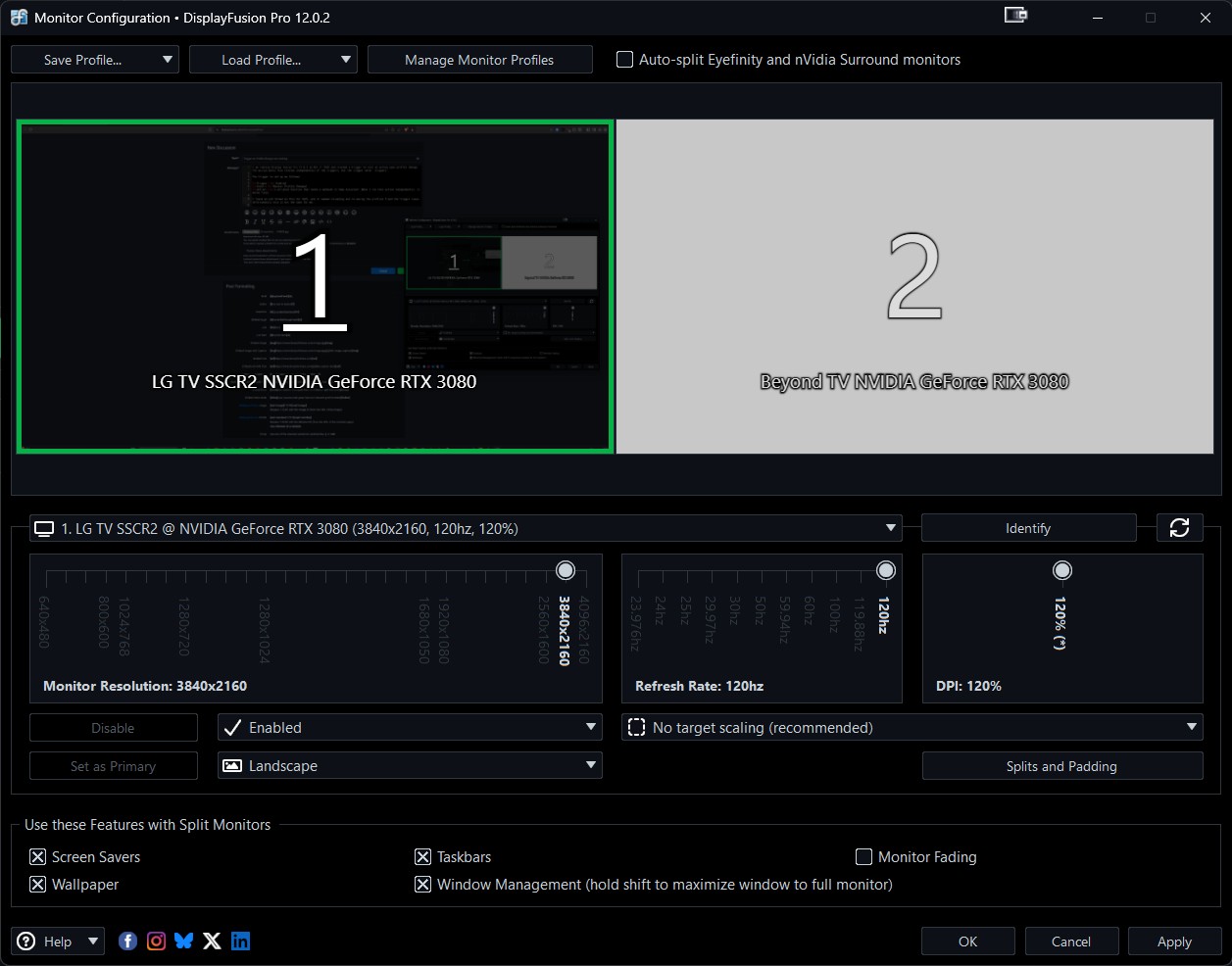
Screenshot 2026-05-11 145050.jpg
It looks like the match condition isn't enabled, if you check the "Monitor Profile" box it should fix that up
May 12, 2026 (modified May 12, 2026)
•
#2
Ryan251
4 discussion posts
Thank you for the response. Unfortunately, even when I enable the Match Condition and select one of my two profiles (I tried both), the trigger does not respond when I change between them.
For example:
With the Match Condition set to 'Profile 1': Changing between 'Profile 1' to 'Profile 2', and even back to 'Profile 1' is not causing a trigger to occur.
Additionally, according to the documentation, the Match Condition is not a requirement for this trigger type. (https://www.displayfusion.com/HelpGuide/Triggers/)
My end goal is to have the trigger activate whenever I change from one profile to any other profile/non-profile. I had assumed leaving the Match Condition unchecked would provide this 'catch all' for profile changes. If this is not the way the trigger works, I'd be open to adding in multiple triggers to cover each scenario, however as reflected above, I cannot get the trigger to work even with the Match Condition.
May 12, 2026 (modified May 12, 2026)
•
#3
If you're looking to have it match on any profile change then it should work the way you're expecting with the match condition disabled. When you load a profile, if you open the Monitor Configuration window, does it show it's detected in the upper left corner?
Ryan251
4 discussion posts
When I load a profile, the profile does load correctly (correct screen configuration). I also get a little pop-up notification stating that the profile loaded.
However, on the "Monitor Configuration" page, the only thing in the top left is the "Save Profile..." dropdown (see screenshot).
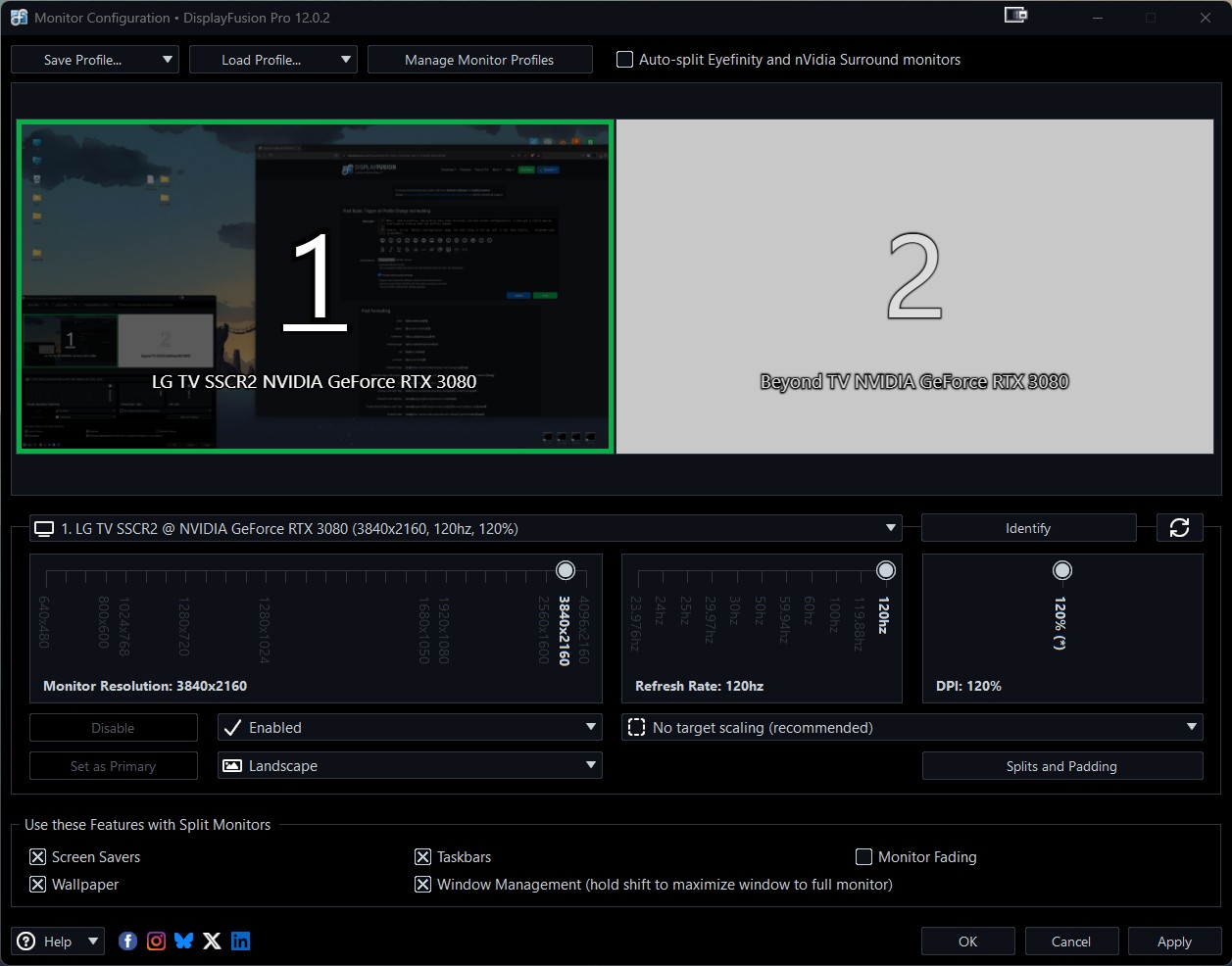
Screenshot 2026-06-02 212107.jpg
Yeah strange, it looks like it's not detecting the profile. If you delete and re-create it, does it show it's detected before you close the Monitor Configuration window?












