
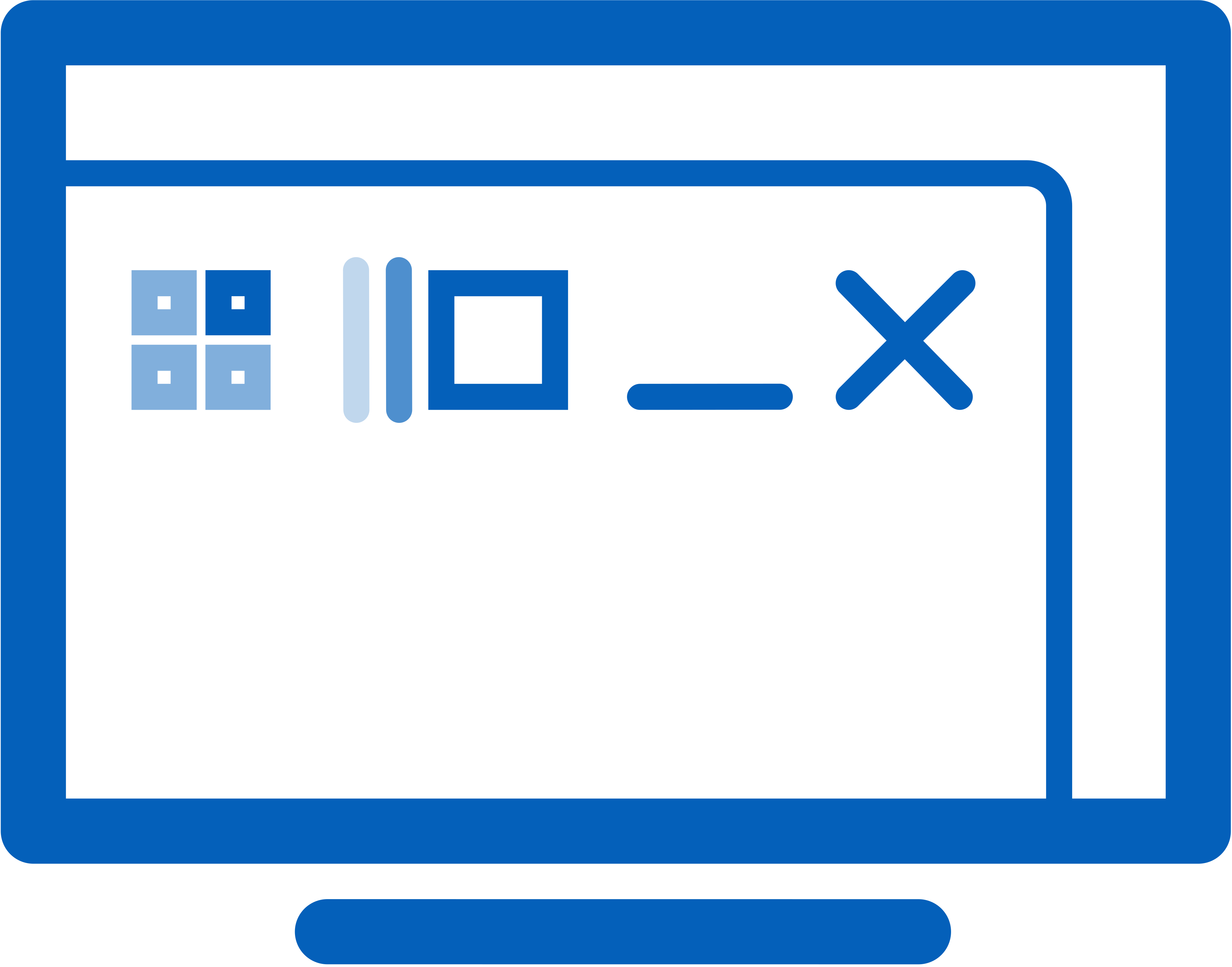
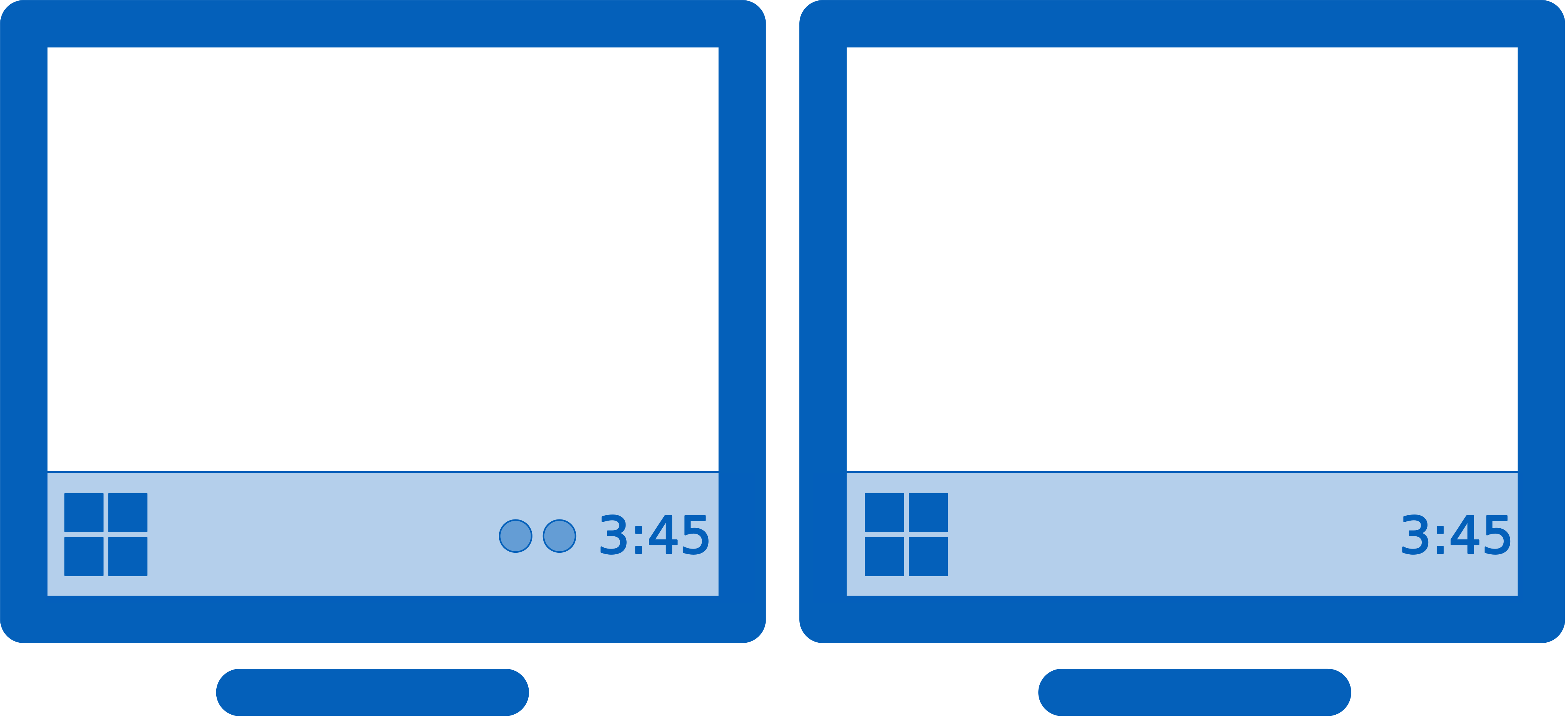
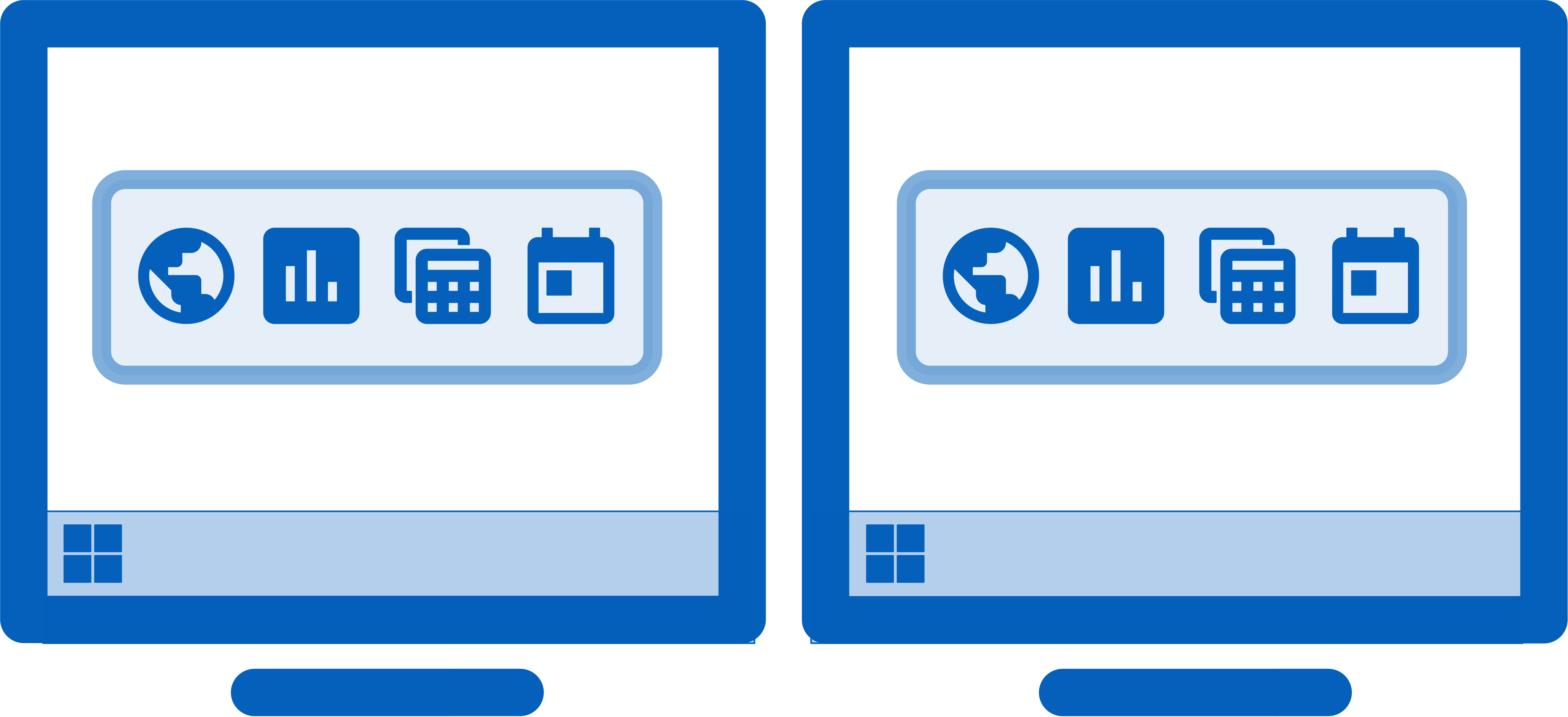
DisplayFusion will make your multi-monitor life much easier. With powerful features like Multi-Monitor Taskbars, TitleBar Buttons and fully customizable Functions, DisplayFusion will make managing your multiple monitors painless. Take a look at some of the features below to learn how DisplayFusion can help you!
The Triggers feature allows you to listen for events, like window creation, window focus, desktop unlock, system idle and more. Then you can run preset commands or custom scripts to manipulate that window, or anything else you can imagine.
Use DisplayFusion's powerful Windows Lock Screen image changer to customize your Windows Lock Screen. Load images from your computer, or from any of the online providers that DisplayFusion supports. Customize the image positioning and colours (greyscale, sepia... etc) to suit your taste.
Why settle for one screen saver on your main monitor? With DisplayFusion you can span your screen saver across all monitors, or even display a different screen saver on each monitor. Use the default Windows screen savers, the built-in DisplayFusion screen savers, or load your own custom screen savers to fully customize your desktop. You can even set a screen saver to use on the Windows Lock Screen for when no users are logged in.
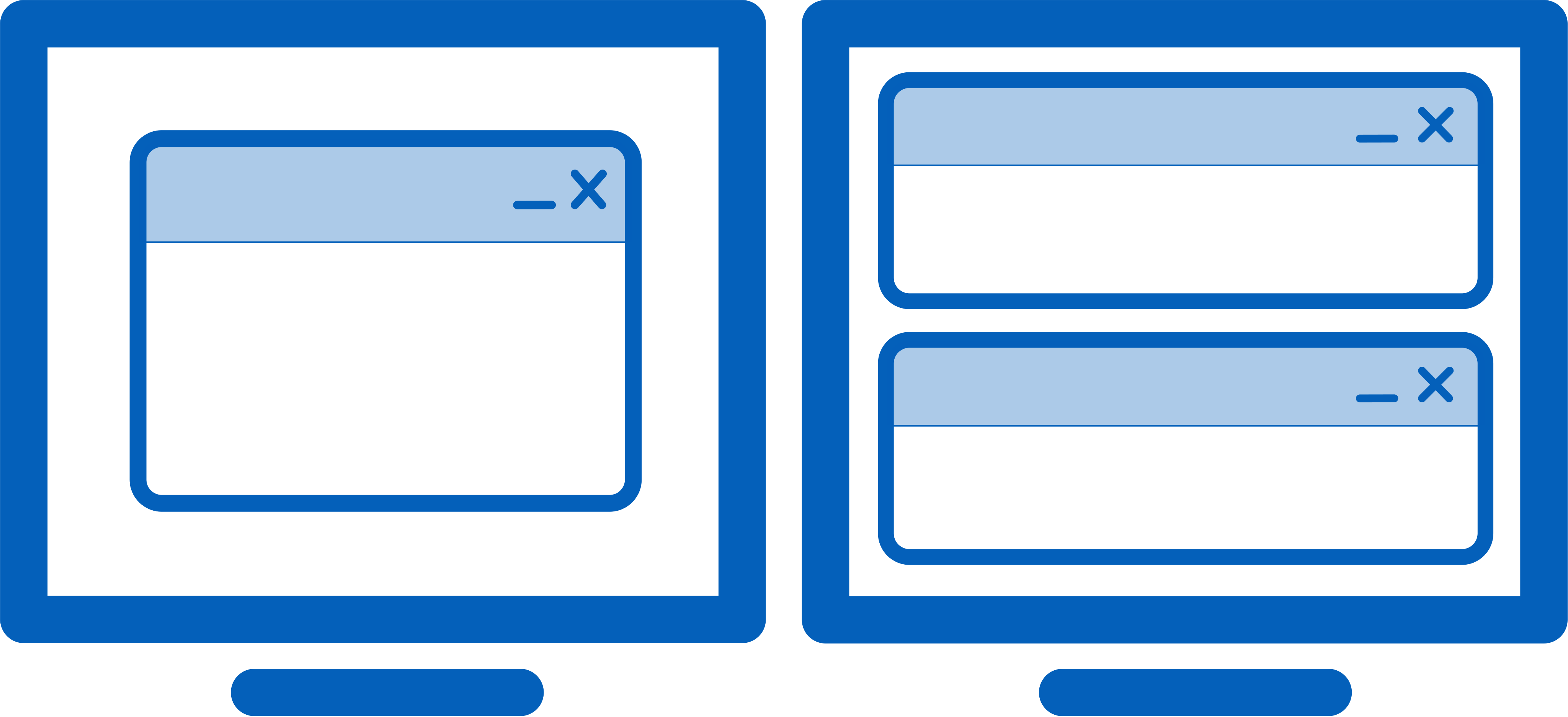
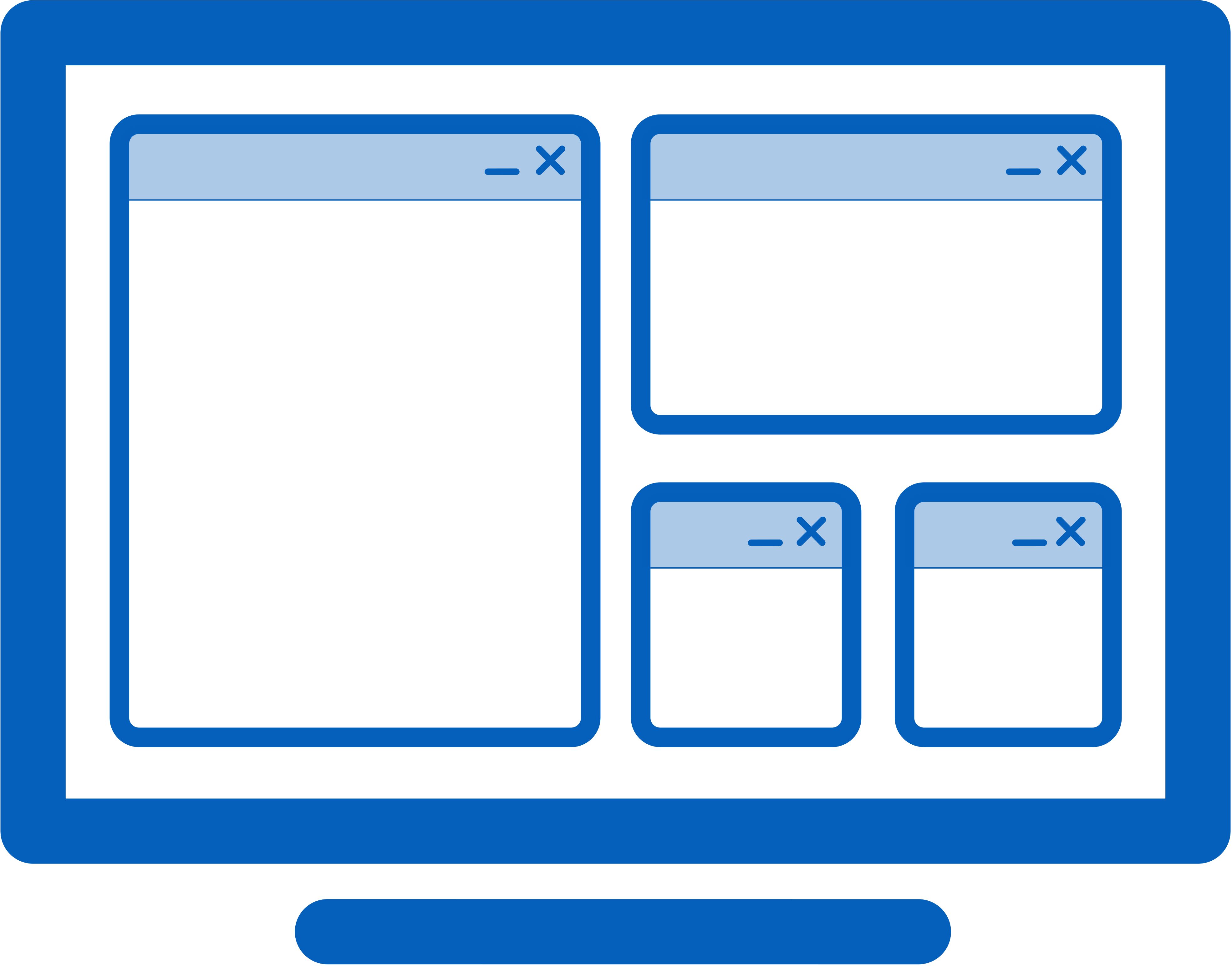
DisplayFusion's Window Snapping feature makes it easy to line-up your windows with each other, or line-up your windows along a monitor edge. Just drag a window near a monitor edge or another window and release the mouse button to let DisplayFusion snap the window into place. Fully configurable, with the ability to ignore specific applications if needed.
DisplayFusion can allow you to use the mouse wheel to scroll windows that are under the mouse cursor, even if they are not the active window. You can also have the mouse cursor wrap around screen edges, and prevent the mouse cursor from snagging on monitor edges that are not aligned. This is especially helpful when you've got monitors that are different screen resolutions next to each other.
Focus on the task at hand, by automatically dimming unused monitors and application windows using DisplayFusion's Monitor Fading feature. You can dim inactive monitors, all monitors, everything except the active window, and more.
Add more flexibility to Alt+Tab with DisplayFusion's Alt+Tab Handler. You can have it show only the windows on the current monitor, windows on all monitors, and even show the Alt+Tab window on all monitors simultaneously.
Easily save and load your window size and positions using DisplayFusion's Window Position Profile feature. Loading a previously saved Window Position Profile is an easy way to quickly organize your windows into preset arrangements.
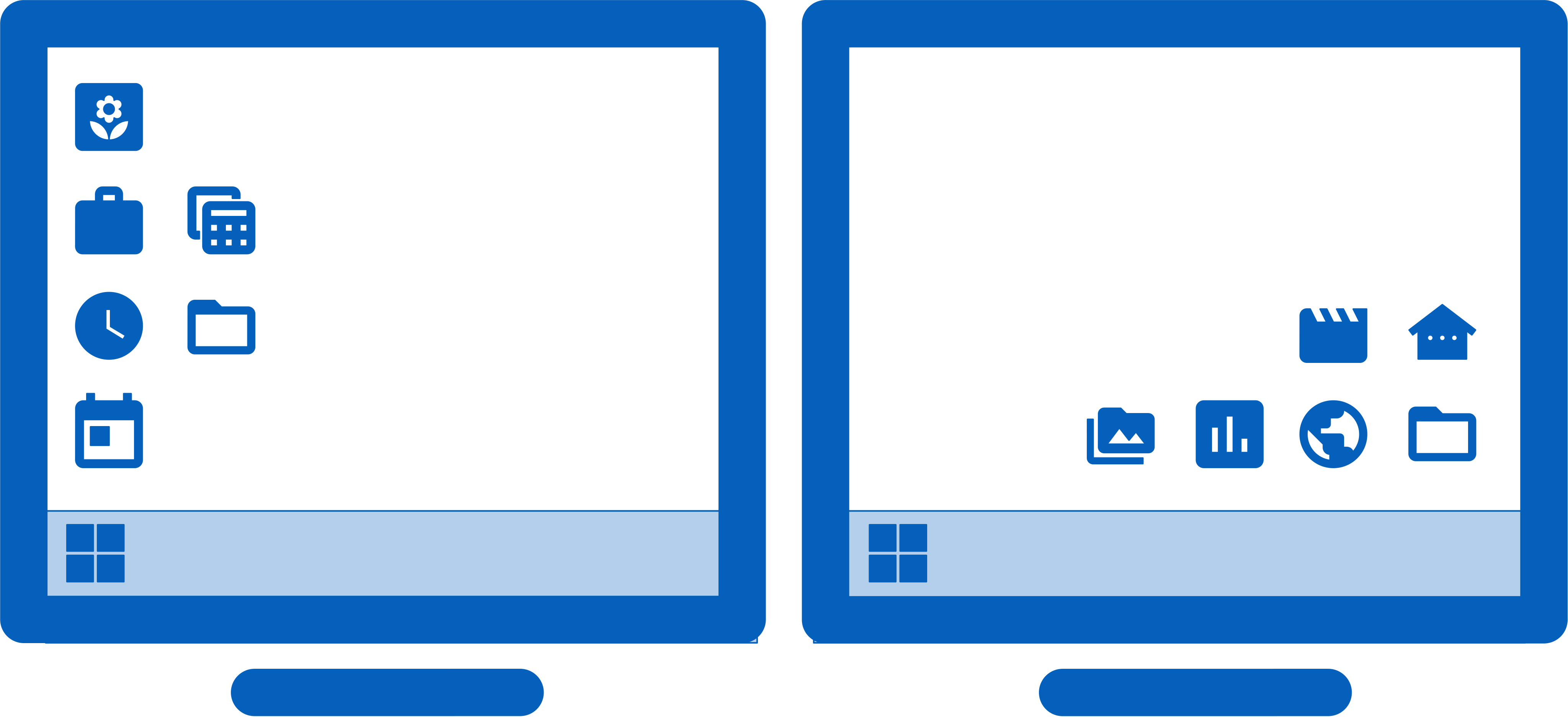
Easily save and load your desktop icon layouts using DisplayFusion's Desktop Icon Profile feature. Loading a previously saved Desktop Icon Profile is an easy way to restore your familiar desktop icon layout when the icons get jumbled after adding or removing a monitor.
DisplayFusion comes bundled with dozens of languages, and more are added all the time. Using DisplayFusion in your native language makes it easier to fully understand and use each feature.
Deploy and manage DisplayFusion in your corporate environment with ease by using DisplayFusion's silent installer options, and custom ADMX templates for Active Directory Group Policy environments. The custom ADMX templates will allow you to make sure your DisplayFusion settings are consistent across all workstations, making management and troubleshooting much easier.