Processing Ajax...

Title

Message

Confirm

Confirm

Confirm

Confirm

Are you sure you want to delete this item?

Confirm

Are you sure you want to delete this item?

Confirm

Are you sure?

Multiple Monitors Made Easy

DisplayFusion will make your multi-monitor life much easier! With powerful features like Multi-Monitor Taskbars, TitleBar Buttons and fully customizable HotKeys, DisplayFusion will make managing your multiple monitors easy.
DisplayFusion: Multiple Monitors Made Easy

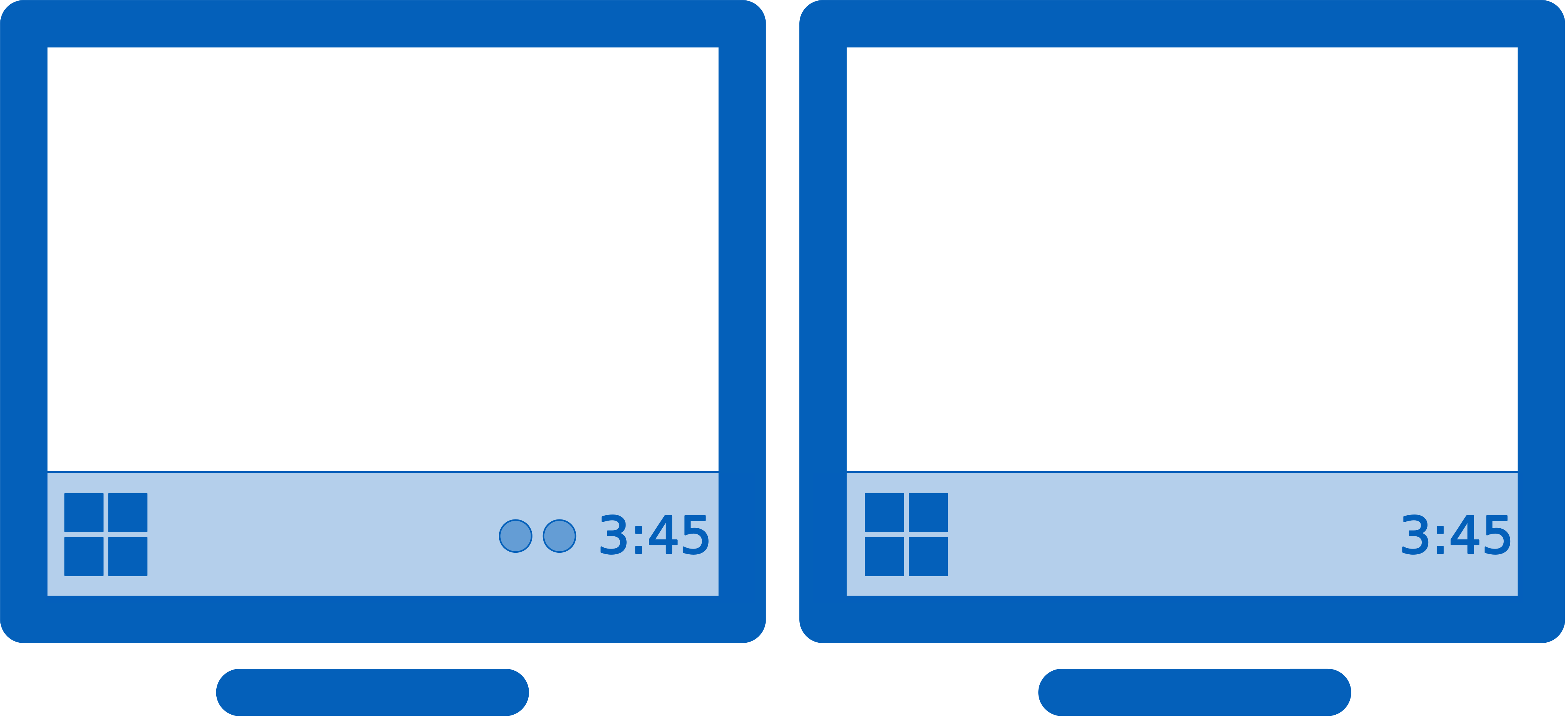
Keep your windows easily organized by adding a Taskbar to each of your monitors.

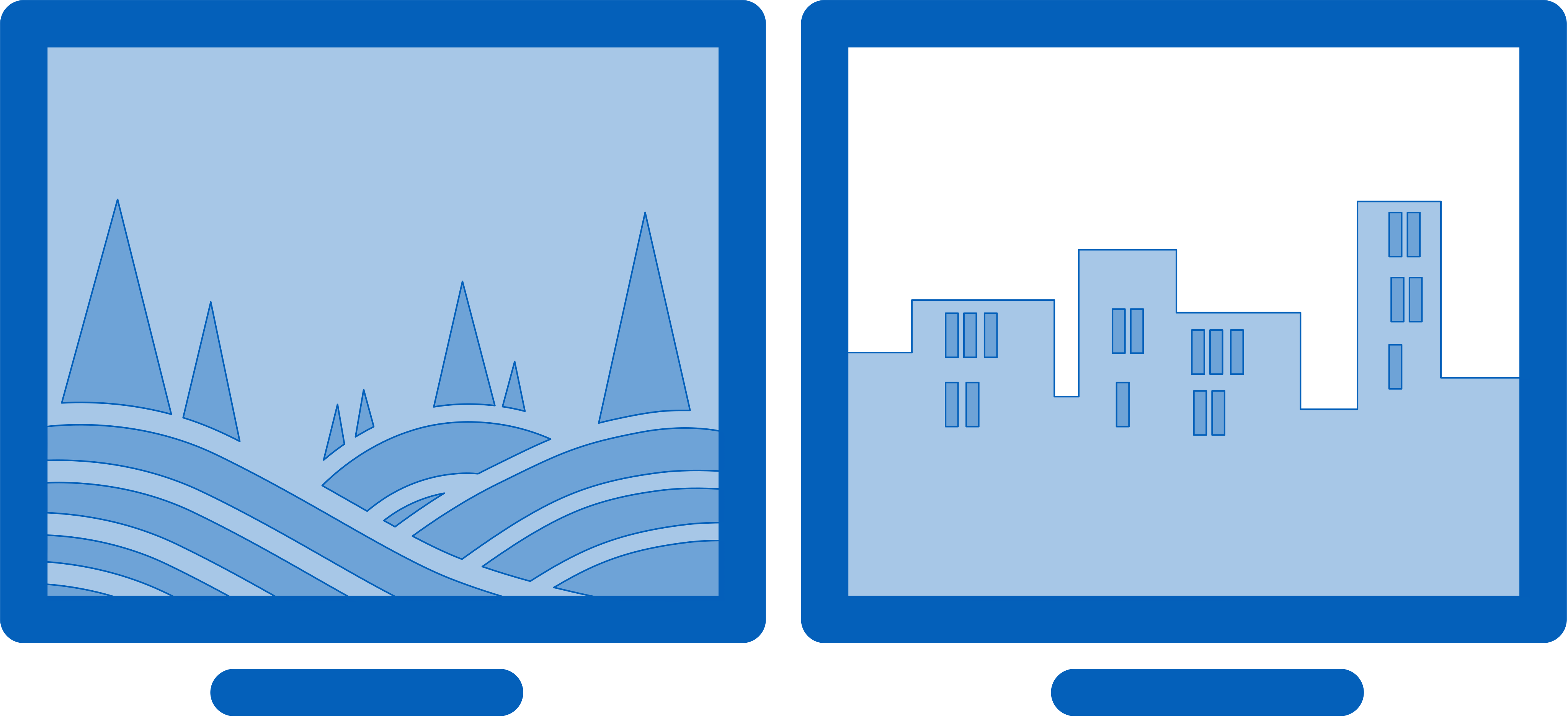
Easily use stunning wallpaper images from many online sources, or use images from your own collection.

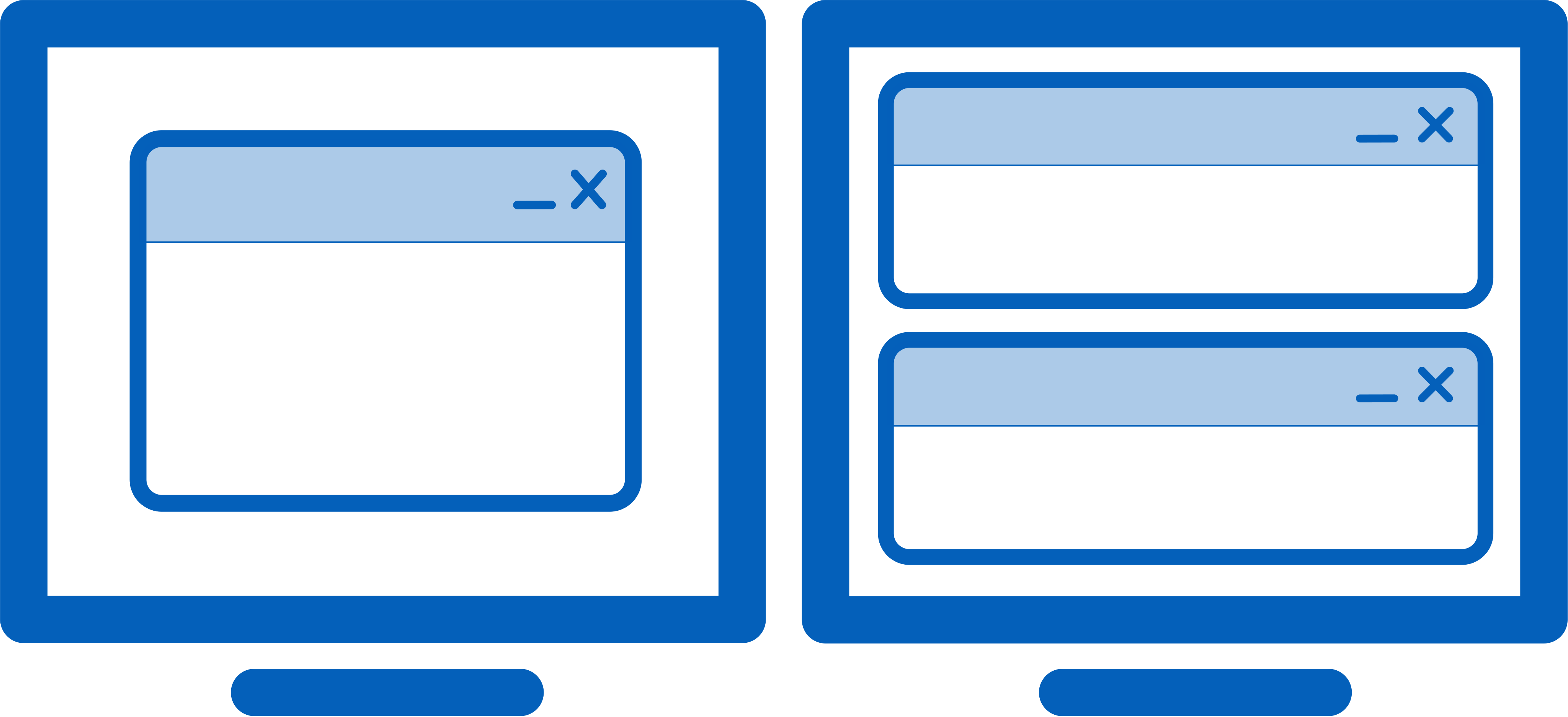
Easily manage your desktop windows. Use the built-in functions or create your own to size and move your windows to suit your needs.

Take control over your monitors with precise settings, profiles, splitting, and padding for bezel compensation.

Monitor splitting allows you to divide your monitor into multiple 'virtual' monitors with their own Taskbars, Wallpapers, and Screen Savers.

Focus on the task at hand, by automatically dimming unused monitors and application windows using DisplayFusion's Monitor Fading feature. You can dim inactive monitors, all monitors, everything except the active window, and more.

The Triggers feature allows you to listen for events, like window creation, window focus, desktop unlock, system idle and more. Then you can run preset commands or custom scripts to manipulate that window, or anything else you can imagine.

Remotely control DisplayFusion from your phone or tablet! Change your wallpaper, toggle monitors and hundreds of other abilities.

Gain quick access to a library of powerful functions or scripted functions through custom Key Combinations and TitleBar Buttons.

Easily save and load your window size and positions using DisplayFusion's Window Position Profile feature. Loading a previously saved Window Position Profile is an easy way to quickly organize your windows into preset arrangements.

Customize Windows 11 to suit your needs. Hide the Windows Lock Screen, use classic Explorer context menus, and more!

Customize Windows 10 to suit your needs. Move the Power User Menu (Win + X) to the mouse position, hide the Windows Lock Screen, and more!
DisplayFusion: Multiple Monitors Made Easy

Try DisplayFusion!

Try DisplayFusion right now completely free for 30 days!
After 30 days you can continue to use the free version forever.
Try DisplayFusion today!

What Our Customers are Saying

I find it amazing how you can keep coming up with new ideas like the blur effect. I thought it was great that Microsoft finally came up with a task bar for each monitor in windows 10. I tried it out, it lasted almost a full minute before I went back to Display Fusion. Great product and excellent support from Keith. Thanks Keith for all your help over the years and thanks to everyone at Binary Fortress for such a great product.
-- Mark

For anyone hoping to use multiple monitors for whatever purpose, this software is all but essential, and includes loads of features that just aren't there by default, as well as oodles of customization. This program is essential.

News

DisplayFusion 12.0.2 (Beta 7) Now Available!

We're very excited to announce that DisplayFusion 12.0.2 (Beta 7) is now available for download! TThis resolves some issues with the 12.0.1 release. Update for free today and help us test before the final 12.0.2 release. Thanks!
Jan 9, 2026

DisplayFusion 12.0.2 (Beta 6) Now Available!

We're very excited to announce that DisplayFusion 12.0.2 (Beta 6) is now available for download! This first beta for 12.0.2 is confusingly starting with Beta 6 because we did the first 5 betas internally. This resolves some issues with the 12.0.1 release. Update for free today and help us test before the final 12.0.2 release soon. Thanks!
Jan 8, 2026

DisplayFusion 12.0.1 Now Available!

We're very excited to announce that DisplayFusion 12.0.1 is now available for download! This release contains a few changes and a ton of bug fixes.
Dec 19, 2025

DisplayFusion 12.0 Now Available!

We're very excited to announce that DisplayFusion 12.0 is now available for download! This release contains a few changes and a ton of bug fixes.
Dec 18, 2025

The 2025 Year End Sale is Here!

Happy Holidays to everyone! It's that time of year again, please help us celebrate with discounts on all of our desktop apps!
Dec 17, 2025

DisplayFusion 12.0 (Beta 10) Now Available!

We're very excited to announce that DisplayFusion 12.0 (Beta 10) is now available for download! This new beta fixes some issues from the 11.1.1 release and the 11.2 betas. We have also decided to rename this to the bigger 12.0 release instead of 11.2 because we have made some big updates. This should be the last beta before the big v12 release! Thanks!
Dec 17, 2025