Processing Ajax...

Title

Message

Confirm

Confirm

Confirm

Confirm

Are you sure you want to delete this item?

Confirm

Are you sure you want to delete this item?

Confirm

Are you sure?

Multiple Monitors Made Easy

DisplayFusion will make your multi-monitor life much easier! With powerful features like Multi-Monitor Taskbars, TitleBar Buttons and fully customizable HotKeys, DisplayFusion will make managing your multiple monitors easy.
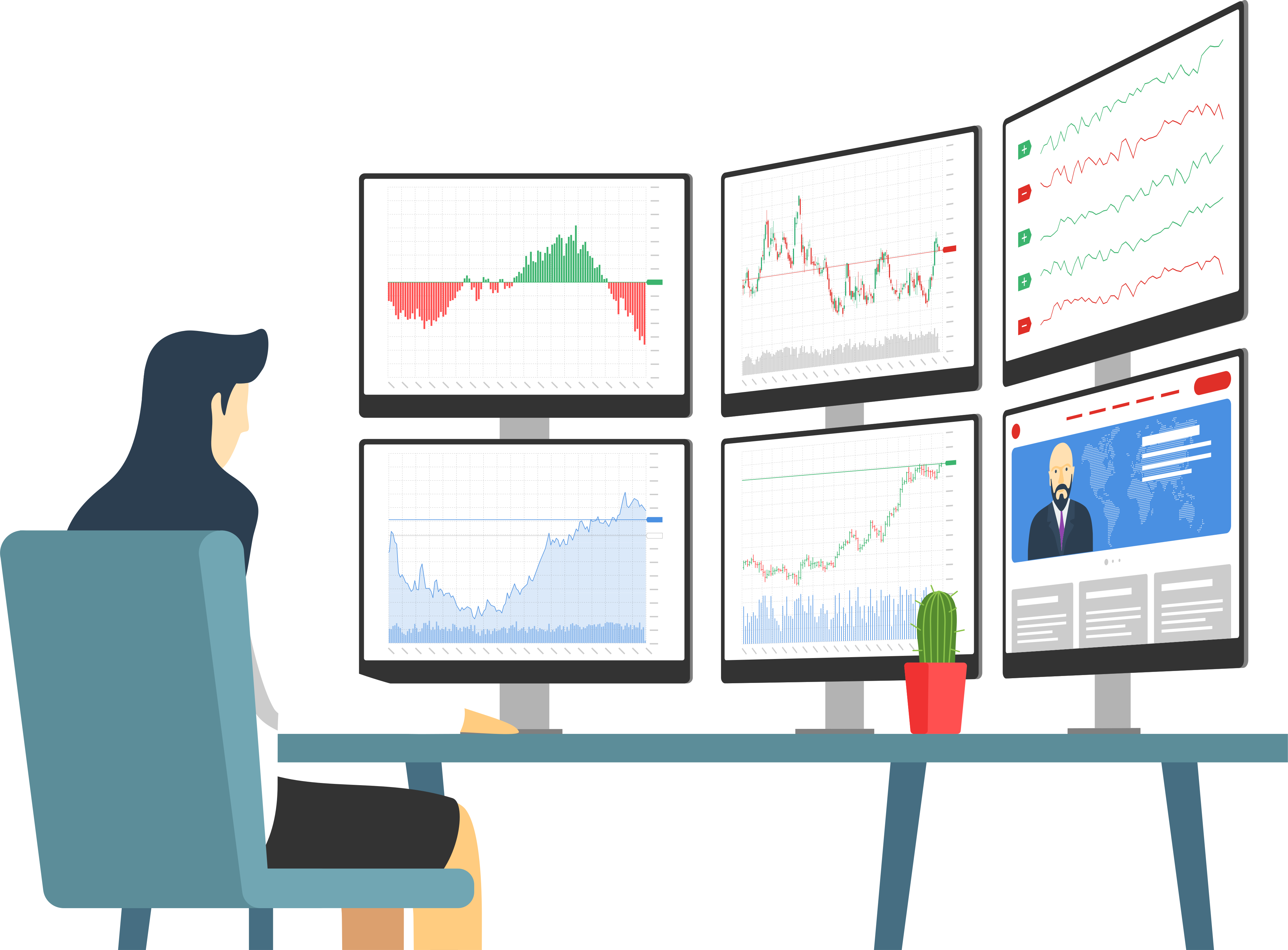
DisplayFusion: Multiple Monitors Made Easy

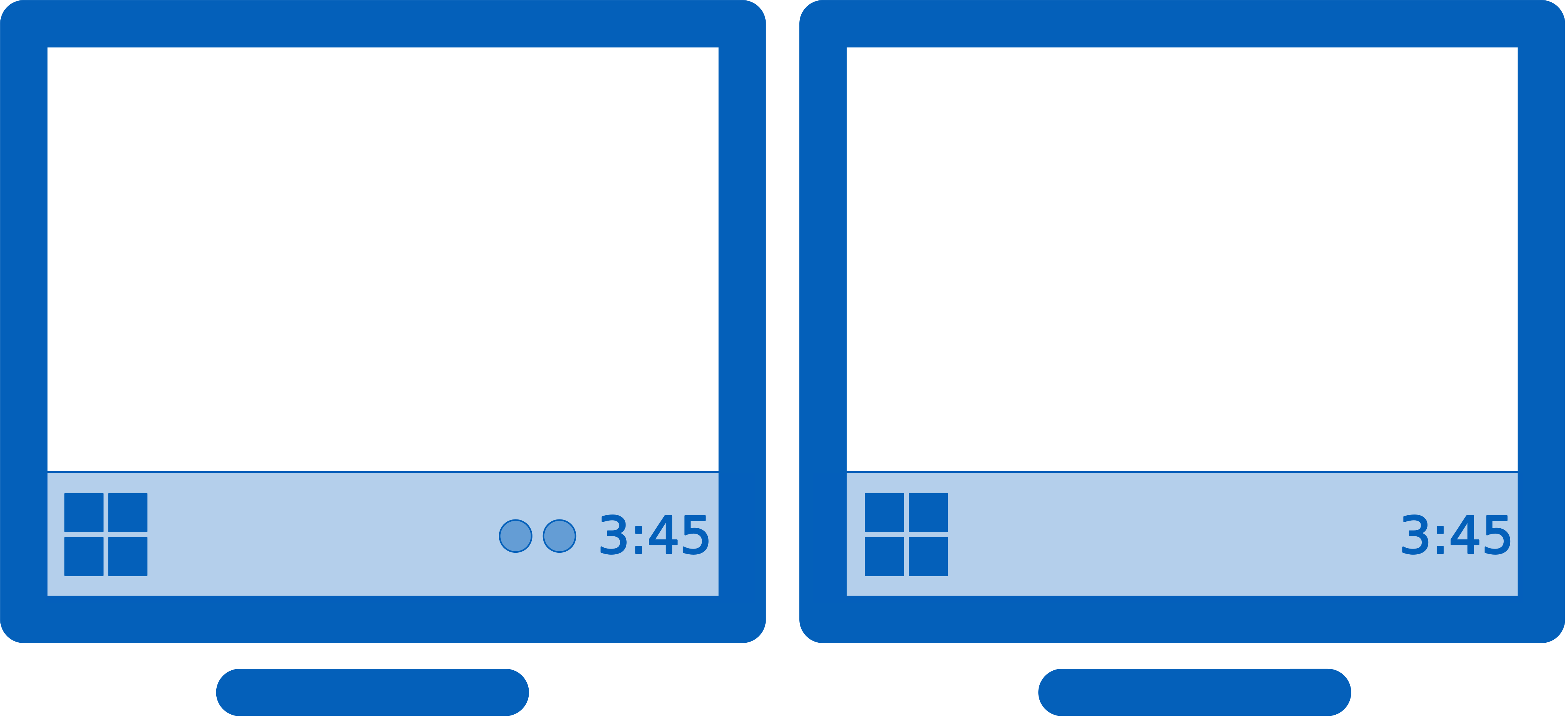
Keep your windows easily organized by adding a Taskbar to each of your monitors.

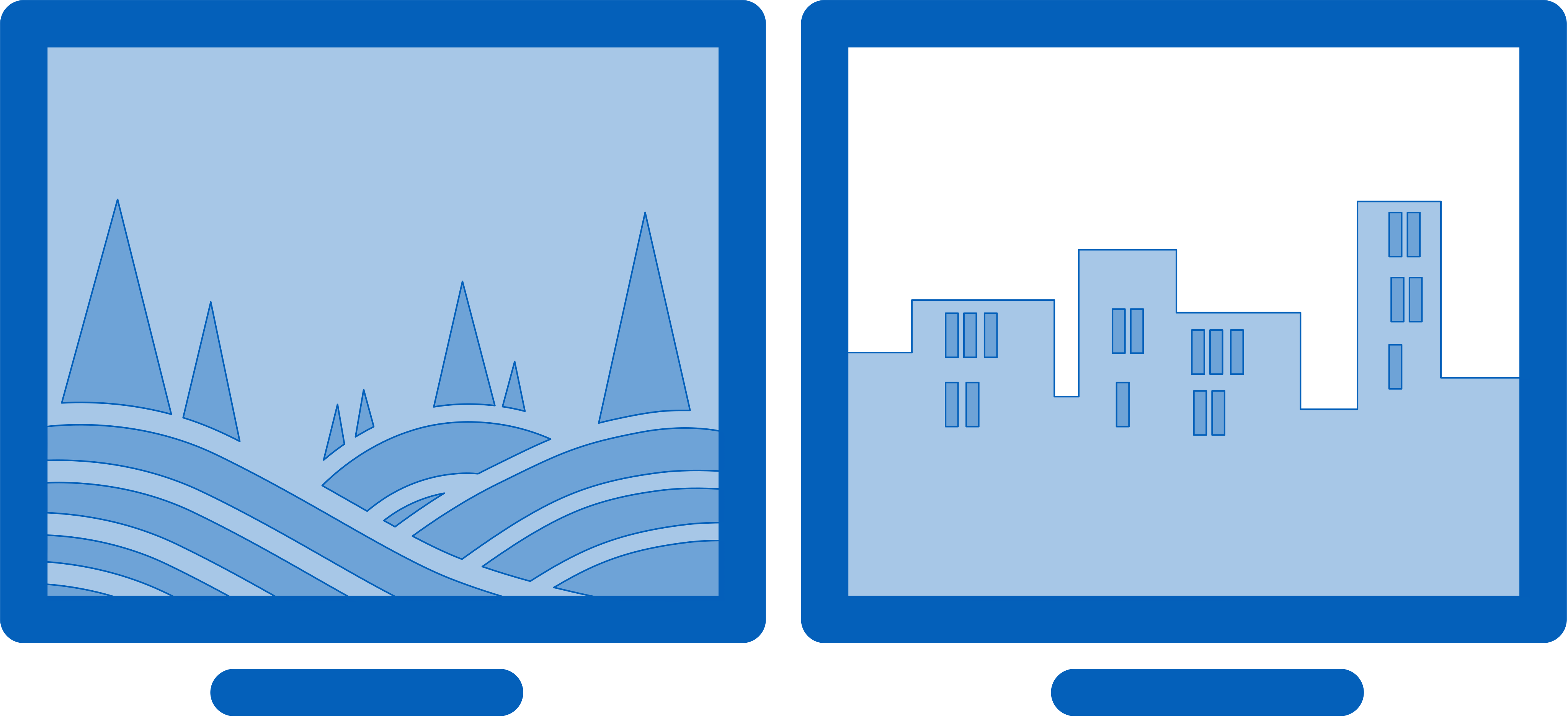
Easily use stunning wallpaper images from many online sources, or use images from your own collection.

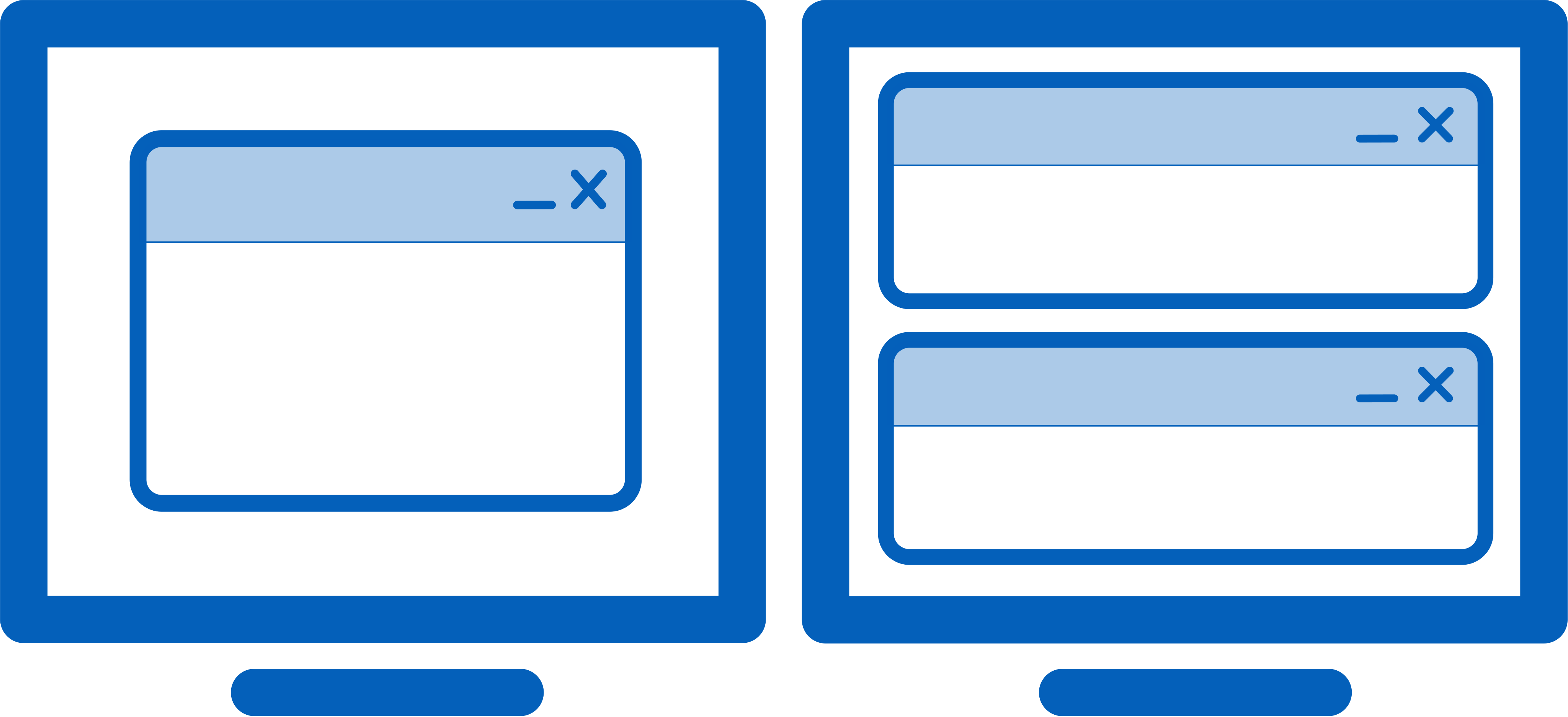
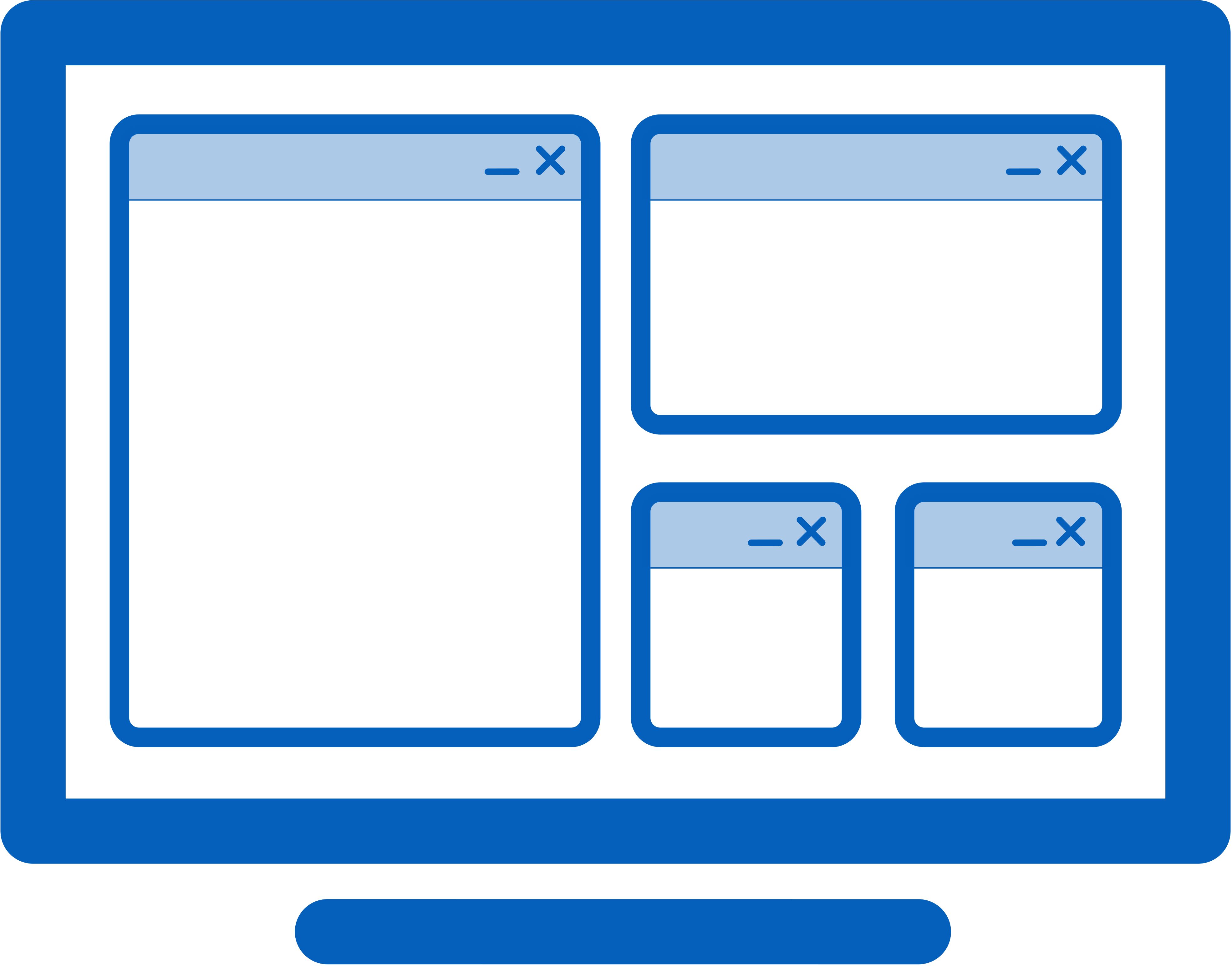
Easily manage your desktop windows. Use the built-in functions or create your own to size and move your windows to suit your needs.

Take control over your monitors with precise settings, profiles, splitting, and padding for bezel compensation.

Monitor splitting allows you to divide your monitor into multiple 'virtual' monitors with their own Taskbars, Wallpapers, and Screen Savers.

Focus on the task at hand, by automatically dimming unused monitors and application windows using DisplayFusion's Monitor Fading feature. You can dim inactive monitors, all monitors, everything except the active window, and more.

The Triggers feature allows you to listen for events, like window creation, window focus, desktop unlock, system idle and more. Then you can run preset commands or custom scripts to manipulate that window, or anything else you can imagine.

Remotely control DisplayFusion from your phone or tablet! Change your wallpaper, toggle monitors and hundreds of other abilities.

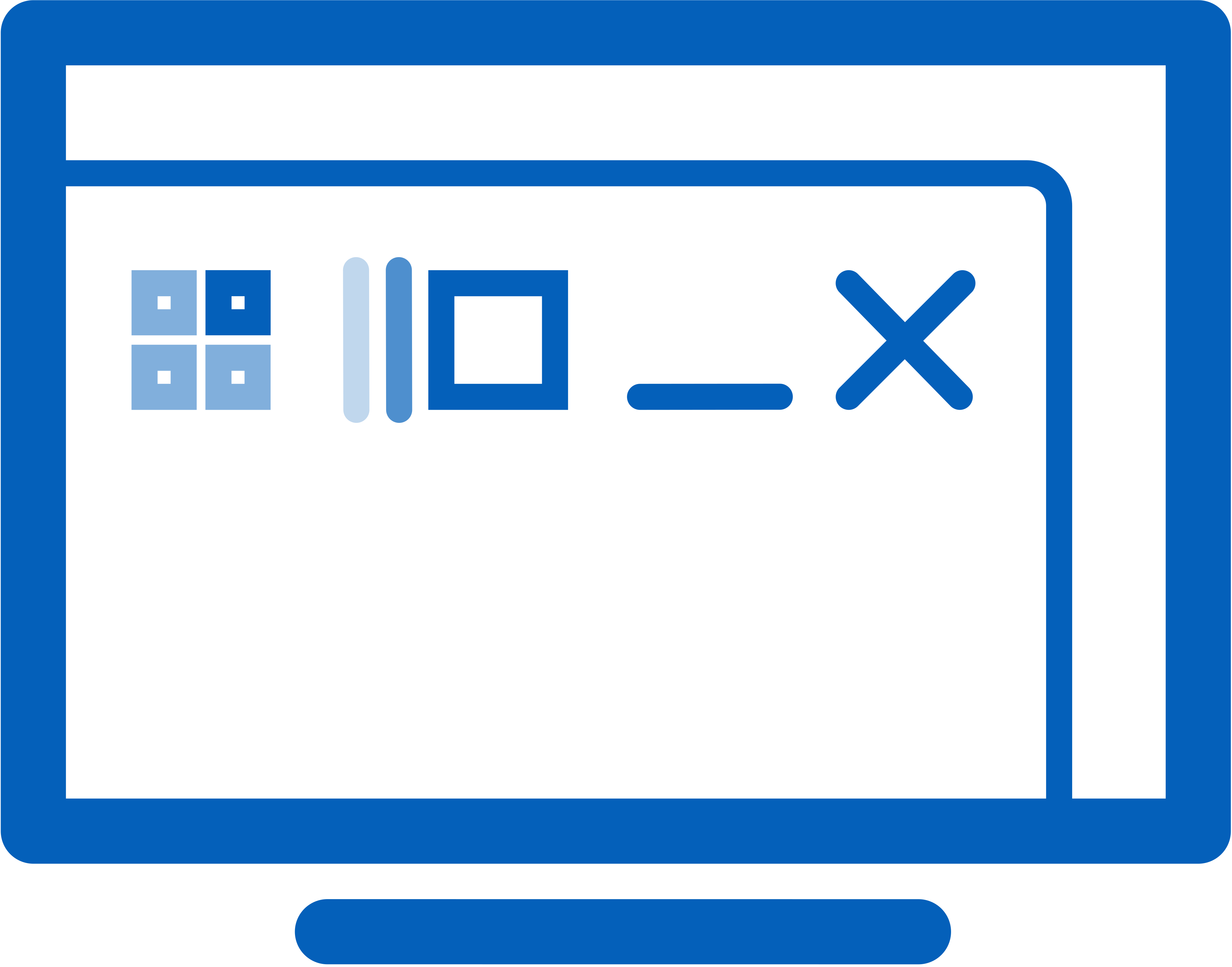
Gain quick access to a library of powerful functions or scripted functions through custom Key Combinations and TitleBar Buttons.

Easily save and load your window size and positions using DisplayFusion's Window Position Profile feature. Loading a previously saved Window Position Profile is an easy way to quickly organize your windows into preset arrangements.

Customize Windows 11 to suit your needs. Hide the Windows Lock Screen, use classic Explorer context menus, and more!

Customize Windows 10 to suit your needs. Move the Power User Menu (Win + X) to the mouse position, hide the Windows Lock Screen, and more!
DisplayFusion: Multiple Monitors Made Easy

Try DisplayFusion!

Try DisplayFusion right now completely free for 30 days!
After 30 days you can continue to use the free version forever.
Try DisplayFusion today!

What Our Customers are Saying

In the end this software ended up working out great. Thank you to Keith Lammers and the rest of their support team for helping me work out the tweaks necessary to get this working in my multi-location multi-monitor setups.
-- VON

Years ago, I got DisplayFusion on Steam. It helps a LOT with multiple monitors - and even with just one, it has some nice features. Other products since then were added to my library.
The greatest advantage, though, is that the support seems to not use pre-made texts, but understands that directly responding to your problem saves time for both parties. Every answer I had to this big software with all the many, many features, was answered quickly and in detail. It also seems that critique and feature suggestions are welcome.
All in all great products with a good customer relationship, so to speak!

News

DisplayFusion 12.0.2 (Beta 12) Now Available!

We're very excited to announce that DisplayFusion 12.0.2 (Beta 12) is now available for download! This resolves some issues with the 12.0.1 release. Update for free today and help us test before the final 12.0.2 release. Thanks!
Feb 10, 2026

DisplayFusion 12.0.2 (Beta 11) Now Available!

We're very excited to announce that DisplayFusion 12.0.2 (Beta 11) is now available for download! This resolves some issues with the 12.0.1 release and some crashing with Beta 10. Update for free today and help us test before the final 12.0.2 release. Thanks!
Feb 5, 2026

DisplayFusion 12.0.2 (Beta 10) Now Available!

We're very excited to announce that DisplayFusion 12.0.2 (Beta 10) is now available for download! This resolves some issues with the 12.0.1 release. Update for free today and help us test before the final 12.0.2 release. Thanks!
Feb 4, 2026

DisplayFusion 12.0.2 (Beta 9) Now Available!

We're very excited to announce that DisplayFusion 12.0.2 (Beta 9) is now available for download! This resolves some issues with the 12.0.1 release. Update for free today and help us test before the final 12.0.2 release. Thanks!
Feb 2, 2026

DisplayFusion 12.0.2 (Beta 8) Now Available!

We're very excited to announce that DisplayFusion 12.0.2 (Beta 8) is now available for download! This resolves some issues with the 12.0.1 release. Update for free today and help us test before the final 12.0.2 release. Thanks!
Jan 29, 2026

DisplayFusion 12.0.2 (Beta 7) Now Available!

We're very excited to announce that DisplayFusion 12.0.2 (Beta 7) is now available for download! This resolves some issues with the 12.0.1 release. Update for free today and help us test before the final 12.0.2 release. Thanks!
Jan 9, 2026