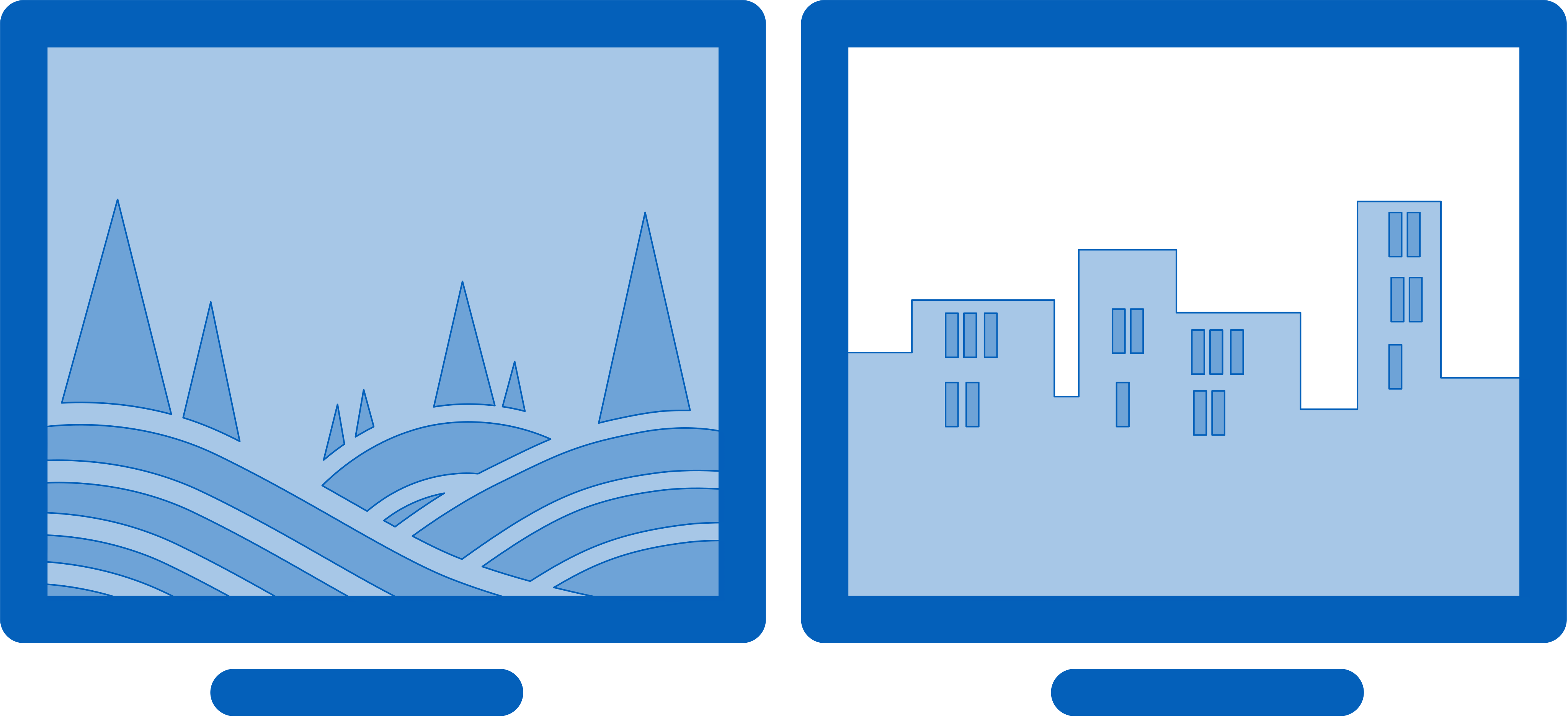
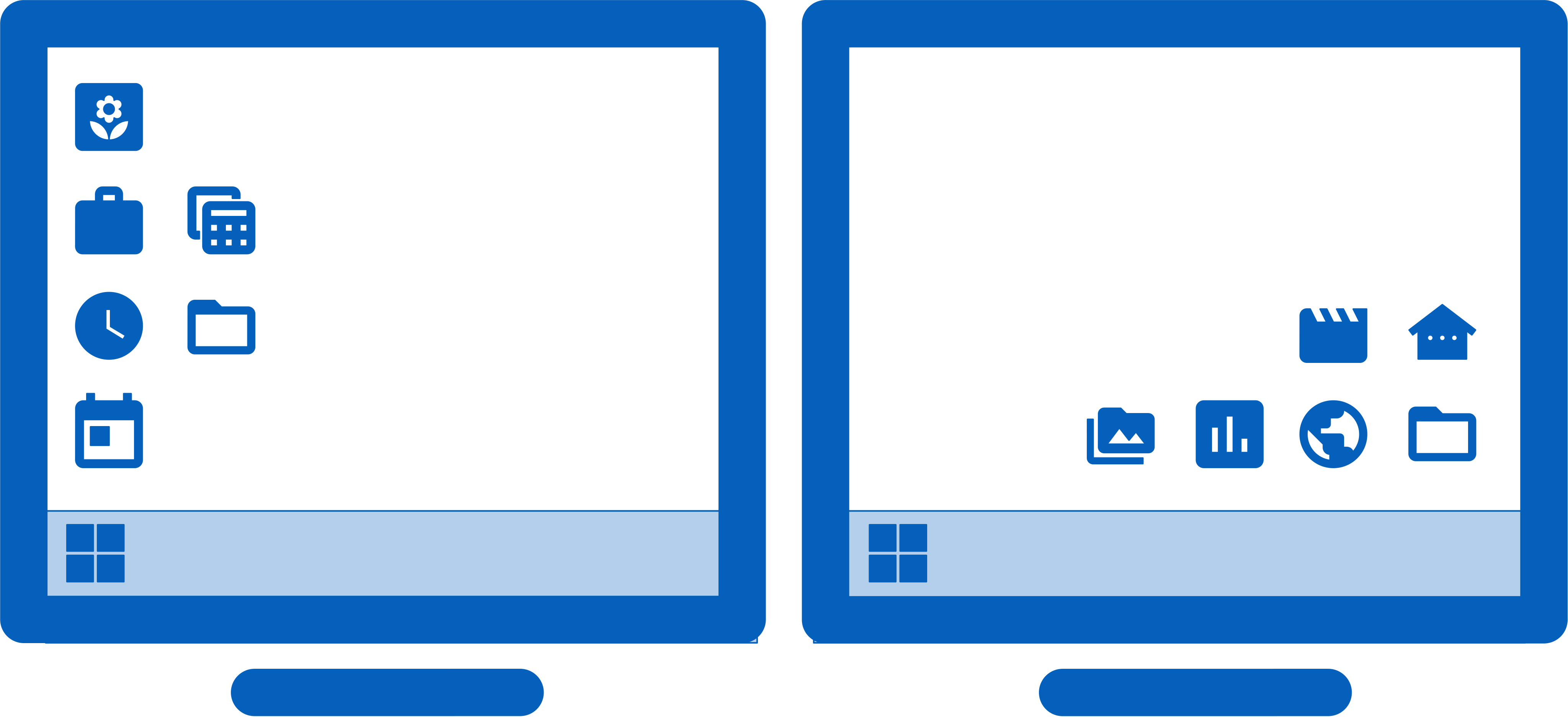
| DisplayFusion's Multi-Monitor Wallpaper feature lets you break-free from the restraints of the default Windows wallpaper manager, and fully support your multiple monitors. Span a single image across all monitors, load and tweak different images on each monitor, or span an image across some monitors, while using different images on other monitors! | ||||||
| Feature | Free | Pro |
Pro |
Pro |
Pro |
Pro |
|---|---|---|---|---|---|---|
| Wallpaper Profiles for saving multiple configurations | ||||||
| Different image on each monitor | ||||||
| Span image across all monitors | ||||||
| Span image across selected monitors only | ||||||
| Load single images from your computer | ||||||
| Load single images from many online sources | ||||||
| Load directly from a given image URL (with auto-refresh) | ||||||
| 7 Wallpaper sizing options | ||||||
| Use solid colours instead of an image | ||||||
| Use a colour gradient instead of a solid colour | ||||||
| Image colour adjustments (greyscale, sepia, invert... etc) | ||||||
| Custom image position fine tuning per monitor | ||||||
| Custom image scaling per monitor | ||||||
| Custom image flipping and mirroring per monitor | ||||||
| Custom image blurring per monitor | ||||||
| Custom image rotation per monitor | ||||||
| Custom image info (show wallpaper or system info on desktop) | ||||||
| Load random images from your computer | ||||||
| Load random images from many online sources | ||||||
| Automatically fix wallpaper if display settings change | ||||||
| Use DisplayFusion to set your Monitor Configuration. Configure the resolution, colour depth, refresh rate and orientation. You can even save your configurations as Monitor Profiles that you can load later using a key combination or TitleBar Button. Link a Wallpaper Profile with your Monitor Profile to load your desktop wallpaper automatically based on the monitors you have connected. Monitor splitting allows you to divide your monitors into multiple 'virtual' monitors with their own Taskbars, Wallpaper, and Screen Saver. Great for Nvidia Surround and AMD Eyefinity setups! | ||||||
| Feature | Free | Pro |
Pro |
Pro |
Pro |
Pro |
|---|---|---|---|---|---|---|
| Configure your monitor resolution, colour depth, refresh rate and orientation | ||||||
| Enable/disable monitors | ||||||
| Change your Primary monitor | ||||||
| Displays a live preview of your desktop to help identify your monitors | ||||||
| Save Monitor Profiles for easy configuration later | ||||||
| Load Monitor Profiles using a key combo, TitleBar Button or tray menu | ||||||
| Link Wallpaper Profiles with your Monitor Profiles | ||||||
| Link audio devices with your Monitor Profiles | ||||||
| Link Desktop Icon Profiles with your Monitor Profiles | ||||||
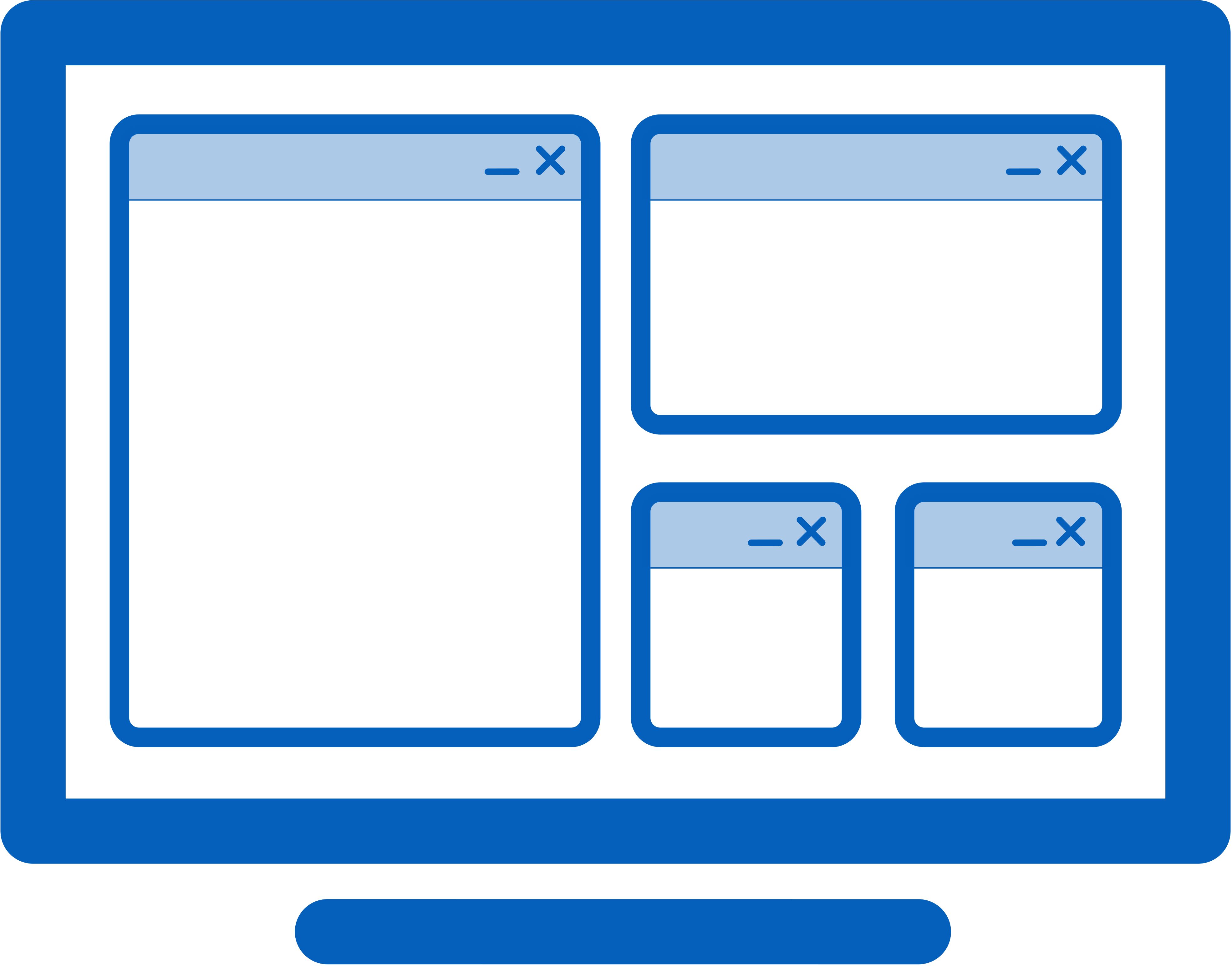
| Monitor splitting allows you to divide your monitor into multiple 'virtual' monitors with their own Taskbars, Wallpapers, and Screen Savers. Windows will maximize to the size of the "virtual" monitors, and DisplayFusion Functions, such as "Move to Next Monitor" also take the splits into account. Monitor splitting is great for Nvidia Surround and AMD Eyefinity setups, including ones with bezel corrected resolutions! Note: It's not currently possible to constrain full screen videos or full screen games to monitor splits. | ||||||
| Feature | Free | Pro |
Pro |
Pro |
Pro |
Pro |
|---|---|---|---|---|---|---|
| Monitor Splitting (for creating smaller, virtual monitors) | ||||||
| Use Splits and Padding for bezel compensation and more | ||||||
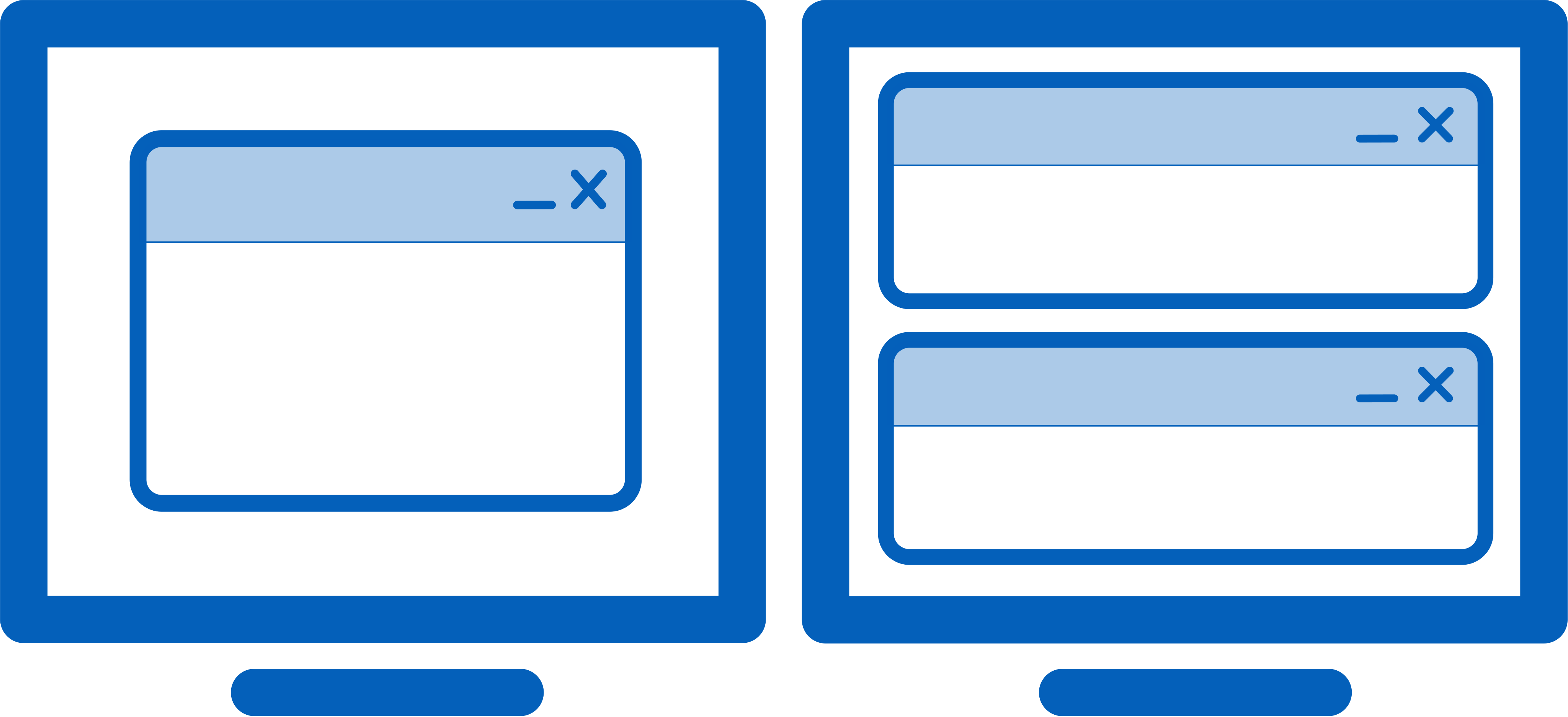
| DisplayFusion comes bundled with over 30 pre-configured Functions, or you can create your own powerful custom Functions. Create Functions to load Wallpaper or Monitor Profiles, move windows around, change window opacity, toggle DisplayFusion features and much more. Any Function, including custom Functions that you've created, can be assigned to a TitleBar Button for easier access with the mouse, or to a keyboard shortcut for keyboard power users. Functions can also be assigned to the Jump List menus on the DisplayFusion Multi-Monitor Taskbars, allowing them to be run even on applications that are minimized. Need more options? Use DisplayFusion's Scripted Functions (Macros) to script anything you can imagine. Use C# or VB.net inside DisplayFusion to create your own custom scripts. From simple window movement scripts to anything more complex. Requires DisplayFusion 7 or higher. | ||||||
| Feature | Free | Pro |
Pro |
Pro |
Pro |
Pro |
|---|---|---|---|---|---|---|
| Show extra buttons in the titlebar of every window | ||||||
| Customizable TitleBar Button images | ||||||
| Customizable TitleBar Button backgrounds | ||||||
| Support for Windows native-looking TitleBar Button backgrounds | ||||||
| Assign key combinations to Functions | ||||||
| Pre-configured Functions to move, size and span windows | ||||||
| Functions for switching the default playback and recording audio devices | ||||||
| Pre-configured Functions to toggle DisplayFusion functions | ||||||
| Functions to minimize, maximize and restore windows | ||||||
| Function to minimize windows to the system tray | ||||||
| Rollup window to TitleBar, Icons or Hats | ||||||
| Save or Restore all window locations | ||||||
| Function to force a window to be 'always on top' | ||||||
| Function to adjust window transparency | ||||||
| Function to lock the desktop | ||||||
| Function to start the Screen Saver | ||||||
| Function to enable/disable Screen Savers | ||||||
| Function to change random wallpaper images | ||||||
| Function for Monitor Mirroring | ||||||
| Mirror Selected Area | ||||||
| Function for Window Mirroring | ||||||
| Function for Window Highlighting | ||||||
| Function to prevent game window deactivation | ||||||
| Function to lock/unlock mouse cursor to window | ||||||
| Function to move window to specific monitors | ||||||
| Function to load saved Monitor Profiles | ||||||
| Function to load saved Desktop Icon Profiles | ||||||
| Function to load saved Wallpaper Profiles | ||||||
| Functions for moving the mouse cursor | ||||||
| Send Windows Store (Metro) app to desktop window | ||||||
| Build your own window sizing Functions | ||||||
| Build your own custom Functions | ||||||
| Create complex Scripted Functions to do anything you can imagine! | ||||||
| Show an unlimited number of TitleBar Buttons | ||||||
| Show TitleBar Buttons for custom Functions | ||||||
| Group TitleBar Buttons using separators | ||||||
| Feature | Free | Pro |
Pro |
Pro |
Pro |
Pro |
|---|---|---|---|---|---|---|
| Automatic update notification of new versions | ||||||
| Automatic update notification of new beta versions | ||||||
| Option to start DisplayFusion when you login | ||||||
| Backup/restore settings and transfer settings between computers | ||||||
| Desktop context menu entries | ||||||
| One-click installation of new versions |
| The Triggers feature allows you to listen for events, like window creation, window focus, desktop unlock, system idle and more. Then you can run preset commands or custom scripts to manipulate that window, or anything else you can imagine. | ||||||
| Feature | Free | Pro |
Pro |
Pro |
Pro |
Pro |
|---|---|---|---|---|---|---|
| Wait for Event: Window Created | ||||||
| Wait for Event: Window Focused | ||||||
| Wait for Event: Window Minimized | ||||||
| Wait for Event: Window Maximized | ||||||
| Wait for Event: Window Restored | ||||||
| Wait for Event: Window Destroyed | ||||||
| Wait for Event: DisplayFusion Starts | ||||||
| Wait for Event: DisplayFusion Exits | ||||||
| Wait for Event: Monitor Profile Changed | ||||||
| Wait for Event: System Idle | ||||||
| Wait for Event: System Wakes from Sleep | ||||||
| Wait for Event: Desktop Locked | ||||||
| Wait for Event: Desktop Unlocked | ||||||
| Wait for Event: Process Created | ||||||
| Wait for Event: Process Ended | ||||||
| Wait for Event: Timer Interval | ||||||
| Filter By: Process Filename | ||||||
| Filter By: Process Command Line Parameters | ||||||
| Filter By: Window Text | ||||||
| Filter By: Window Class | ||||||
| Filter By: Monitor Profile | ||||||
| Perform Action: Wait | ||||||
| Perform Action: Move Window to Selected Monitor | ||||||
| Perform Action: Move Window to Mouse Cursor Monitor | ||||||
| Perform Action: Move Window to Specific Size and Location | ||||||
| Perform Action: Maximize Window | ||||||
| Perform Action: Minimize Window | ||||||
| Perform Action: Centre Window on Monitor | ||||||
| Perform Action: Span Window | ||||||
| Perform Action: Show Notification | ||||||
| Perform Action: Run Function | ||||||
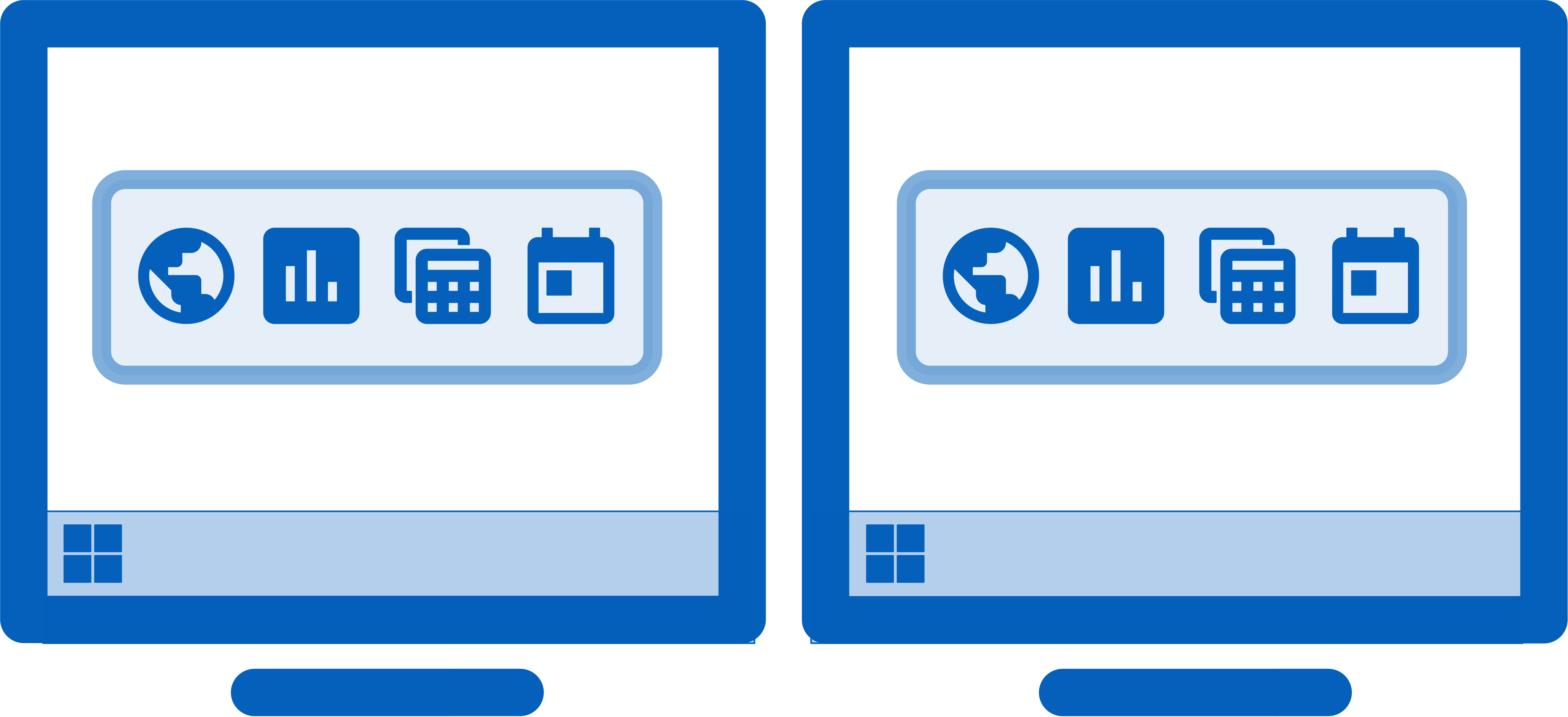
| Keep your windows easily organized by adding a taskbar to each of your monitors. The taskbar on each monitor can be configured to show all windows, or only the windows that are located on that monitor. Use button grouping, auto-hide, window previews, shortcuts (pinned applications) and much more to help you work more easily with your application windows. | ||||||
| Feature | Free | Pro |
Pro |
Pro |
Pro |
Pro |
|---|---|---|---|---|---|---|
| Add a Taskbar to every monitor | ||||||
| DisplayFusion Taskbar support for Windows Visual Styles | ||||||
| Only show Taskbar items on the relevant monitor | ||||||
| Thumbnail Previews: Windows 10/11 Style | ||||||
| Thumbnail Previews: Vista Style | ||||||
| Clock on each Taskbar | ||||||
| System tray icons on each Taskbar | ||||||
| Supports full Jump Lists | ||||||
| Taskbar button grouping | ||||||
| Taskbar Pinned items | ||||||
| Custom position for each Taskbar | ||||||
| Custom size for each Taskbar | ||||||
| Custom auto-hide settings for each Taskbar | ||||||
| Custom button alignment for each Taskbar | ||||||
| Custom shortcuts on each Taskbar | ||||||
| Force shortcuts to be run as Administrator | ||||||
| Custom 'show desktop' button on each Taskbar | ||||||
| Custom Start button on each Taskbar | ||||||
| Custom 'icons only' or 'icons and text' style on each Taskbar | ||||||
| Supports third-party Windows Start Menu: Classic Shell | ||||||
| Supports third-party Windows Start Menu: Open Shell (formerly Classic Shell) | ||||||
| Supports third-party Windows Start Menu: Start8 | ||||||
| Supports third-party Windows Start Menu: Start10 | ||||||
| Supports third-party Windows Start Menu: StartIsBack | ||||||
| Supports third-party Windows Start Menu: Start Menu Х | ||||||
| The Windows 11 Tweaks in DisplayFusion provide extra options so that you can customize Windows 11 to your liking. Hide the Windows Lock Screen, use classic Explorer context menus, and more! | ||||||
| Feature | Free | Pro |
Pro |
Pro |
Pro |
Pro |
|---|---|---|---|---|---|---|
| Hide the Windows 11 Lock Screen | ||||||
| Use the classic Explorer context menus | ||||||
| The Windows 10 Tweaks in DisplayFusion provide extra options so that you can customize Windows 10 to your liking. Move the Power User Menu (Win + X) to the current mouse position, hide the Windows Lock Screen, and more! | ||||||
| Feature | Free | Pro |
Pro |
Pro |
Pro |
Pro |
|---|---|---|---|---|---|---|
| Move the Power User Menu (Win + X) to the mouse cursor position | ||||||
| Hide the Windows 10 Lock Screen | ||||||
| Adjust the Lock Screen monitor sleep timeout | ||||||
| Adjust the border size for application windows | ||||||
| Use DisplayFusion's powerful Windows Lock Screen image changer to customize your Windows Lock Screen. Load images from your computer, or from any of the online providers that DisplayFusion supports. Customize the image positioning and colours (greyscale, sepia... etc) to suit your taste. | ||||||
| Feature | Free | Pro |
Pro |
Pro |
Pro |
Pro |
|---|---|---|---|---|---|---|
| Change the Windows Lock Screen image in Windows 10, 8, 7, Vista and XP | ||||||
| Load images from your computer | ||||||
| Load images from many online sources | ||||||
| Load images from a URL | ||||||
| 7 image sizing options | ||||||
| Use solid colours instead of an image | ||||||
| Image colour adjustments (greyscale, sepia... etc) | ||||||
| Why settle for one screen saver on your main monitor? With DisplayFusion you can span your screen saver across all monitors, or even display a different screen saver on each monitor. Use the default Windows screen savers, the built-in DisplayFusion Screen Savers, or load your own custom screen savers to fully customize your desktop. You can even use the built-in DisplayFusion Photos Screen Saver to have each monitor show a slideshow of images from a local folder! | ||||||
| Feature | Free | Pro |
Pro |
Pro |
Pro |
Pro |
|---|---|---|---|---|---|---|
| Set a different screen saver on each monitor | ||||||
| Span a single screen saver across all monitors | ||||||
| Adjust screen saver settings using DisplayFusion (password, timeout) | ||||||
| Set a Screen Saver for the Windows Lock Screen | ||||||
| Use builtin Multi-Monitor Blackhole Screen Saver | ||||||
| Use builtin Multi-Monitor Bouncing Logo Screen Saver | ||||||
| Use builtin Multi-Monitor Fading Logo Screen Saver | ||||||
| Use builtin Multi-Monitor Photos Screen Saver | ||||||
| Use builtin Multi-Monitor Shapes Screen Saver | ||||||
| Use builtin Multi-Monitor Sine Waves Screen Saver | ||||||
| Focus on the task at hand, by automatically dimming unused monitors and application windows using DisplayFusion's Monitor Fading feature. You can dim inactive monitors, all monitors, everything except the active window, and more! | ||||||
| Feature | Free | Pro |
Pro |
Pro |
Pro |
Pro |
|---|---|---|---|---|---|---|
| Fade all monitors | ||||||
| Fade all secondary monitor(s) | ||||||
| Fade non-current monitor(s) | ||||||
| Fade everything except current window | ||||||
| Fade specific monitors (configurable) | ||||||
| Customize the opacity level to control how faded it looks | ||||||
| Customize the fading colour (tint your screen any colour!) | ||||||
| Toggle Monitor Fading on/off using a HotKey or TitleBar Button | ||||||
| DisplayFusion's Window Snapping feature makes it easy to line-up your windows with each other, or line-up your windows along a monitor edge. Just drag a window near a monitor edge or another window and release the mouse button to let DisplayFusion snap the window into place. Fully configurable, with the ability to ignore specific applications if needed. | ||||||
| Feature | Free | Pro |
Pro |
Pro |
Pro |
Pro |
|---|---|---|---|---|---|---|
| Snap application window edges to monitor edges | ||||||
| Snap application window edges to other window edges | ||||||
| Supports 'Sticky Snapping' (snaps immediately) | ||||||
| Configurable window snapping distance | ||||||
| Bypass snapping while 'shift' key is held down (configurable) | ||||||
| Ignore specific applications using Compatibility rules | ||||||
| Use DisplayFusion's Window Management feature to easily move windows between your monitors. Whether you use the simple Middle-Click Move, or the more advanced Maximized Window Dragging, managing your desktop windows has never been so easy. You can even show tooltips when moving or resizing windows to help you position them precisely. Automatically move child dialogs and windows to the same monitor as the parent window. Mouse management options allow you to scroll inactive windows with the mouse wheel, wrap the mouse cursor at screen edges, and prevent the mouse cursor from snagging on unaligned monitor edges. | ||||||
| Feature | Free | Pro |
Pro |
Pro |
Pro |
Pro |
|---|---|---|---|---|---|---|
| Maximized window dragging between monitors | ||||||
| Show a monitor selector while dragging | ||||||
| Middle-click titlebar window movement | ||||||
| Show window size/location tooltips when sizing/moving a window | ||||||
| Allow Win + M to minimize all windows on the desktop | ||||||
| Enable or disable Aero Shake (shake a window to minimize all windows) | ||||||
| Move newly opened application windows | ||||||
| Automatically move child dialogs/windows to parent window | ||||||
| DisplayFusion can allow you to use the mouse wheel to scroll windows that are under the mouse cursor, even if they are not the active window. You can also have the mouse cursor wrap around screen edges, and prevent the mouse cursor from snagging on monitor edges that are not aligned. This is especially helpful when you've got monitors that are different screen resolutions next to each other. | ||||||
| Feature | Free | Pro |
Pro |
Pro |
Pro |
Pro |
|---|---|---|---|---|---|---|
| Mouse scrolling over inactive windows | ||||||
| Mouse wrapping at screen edges | ||||||
| Prevent mouse from snagging on unaligned screen edges | ||||||
| DisplayFusion's Alt+Tab Handler has additional modes over and above what Windows offers. You can have the Alt+Tab window shown on all monitors, the current monitor, or just the Primary monitor. It can show all open windows across all monitors, or just the windows on the current monitor. You can also choose whether you'd like the window titles shown below the entires in Alt+Tab, and whether you'd like the 'Desktop' entry shown or not. | ||||||
| Feature | Free | Pro |
Pro |
Pro |
Pro |
Pro |
|---|---|---|---|---|---|---|
| Show on primary monitor only, show all windows | ||||||
| Show on all monitors, show all windows | ||||||
| Show on all monitors, current windows only | ||||||
| Show on current monitor only, show all windows | ||||||
| Show on current monitor only, show current windows only | ||||||
| Show window icons below each Alt+Tab item | ||||||
| Show window text below each Alt+Tab item | ||||||
| Show the Desktop window | ||||||
| Easily save and load your window size and positions using DisplayFusion's Window Position Profile feature. Loading a previously saved Window Position Profile is an easy way to quickly organize your windows into preset arrangements. | ||||||
| Feature | Free | Pro |
Pro |
Pro |
Pro |
Pro |
|---|---|---|---|---|---|---|
| Save Window Position Profiles using the tray icon | ||||||
| Load Window Position Profiles using the tray icon | ||||||
| Load Window Position Profiles using the key combinations | ||||||
| Load Window Position Profiles using TitleBar Buttons | ||||||
| Manage your Window Position Profiles | ||||||
| Easily save and load your desktop icon layouts using DisplayFusion's Desktop Icon Profile feature. Loading a previously saved Desktop Icon Profile is an easy way to restore your familiar desktop icon layout when the icons get jumbled after adding or removing a monitor. | ||||||
| Feature | Free | Pro |
Pro |
Pro |
Pro |
Pro |
|---|---|---|---|---|---|---|
| Save desktop icon profile using the tray icon | ||||||
| Load desktop icon profiles using the tray icon | ||||||
| Load Desktop Icon Profiles using the key combinations | ||||||
| Load Desktop Icon Profiles using TitleBar Buttons | ||||||
| Manage your desktop icons profiles | ||||||
| Remotely control DisplayFusion from your phone or tablet. Change your wallpaper, move windows around, enable/disable monitors and hundreds of other abilities, all from your phone or tablet. Includes support for scripted functions, new in DisplayFusion 7. You can script a complete set of actions, save it as a scripted function and run it from your phone or tablet with one-click. It’s easy to setup and even easier to use. Check out the help guide for more information. | ||||||
| Feature | Free | Pro |
Pro |
Pro |
Pro |
Pro |
|---|---|---|---|---|---|---|
| Remotely control DisplayFusion from your phone or tablet | ||||||
| Remote control DisplayFusion from your iPhone, iPad or iPod | ||||||
| Remote control DisplayFusion from your Android device | ||||||
| Remote control DisplayFusion from your Android Wear watch | ||||||
| Remote control DisplayFusion from your Windows 10 or 8 device | ||||||
| Prevent unwanted access with a security code | ||||||
| View an access log of remote control devices | ||||||
| DisplayFusion comes bundled with dozens of languages, all thanks to the generous DisplayFusion community! You can use DisplayFusion in everything from Japanese and Chinese to Persian and Portuguese. Using DisplayFusion in your native language makes it even easier to take advantage of DisplayFusion's powerful features. | ||||||
| Feature | Free | Pro |
Pro |
Pro |
Pro |
Pro |
|---|---|---|---|---|---|---|
| Integrated support for dozens of languages | ||||||
| Supports downloadable languages | ||||||
| Deploy and manage DisplayFusion in your corporate environment with ease by using DisplayFusion's silent installer options, and custom ADMX templates for Active Directory Group Policy environments. The custom ADMX templates will allow you to make sure your DisplayFusion settings are consistent across all workstations, making management and troubleshooting much easier. | ||||||
| Feature | Free | Pro |
Pro |
Pro |
Pro |
Pro |
|---|---|---|---|---|---|---|
| Silent installer options for easy deployment | ||||||
| ADMX templates for easy configuration | ||||||
| Single license key for easy administration (site/enterprise license) | ||||||
| Use the powerful Compatibility options to customize DisplayFusion's features separately for each application. | ||||||
| Feature | Free | Pro |
Pro |
Pro |
Pro |
Pro |
|---|---|---|---|---|---|---|
| Create per-application compatibility settings | ||||||
| Toggle DisplayFusion features per-application | ||||||
| Fine tune TitleBar Button positions per-application | ||||||
| Feature | Free | Pro |
Pro |
Pro |
Pro |
Pro |
|---|---|---|---|---|---|---|
| Restrictions | Personal ONLY | Personal or Company, 1 computer | Personal or Company, unlimited computers, primary user is you and Steam is installed | Unlimited personal computers, and 1 company computer that only you use | Unlimited computers at 1 site | Unlimited computers at unlimited company-owned sites |
| License Term | Lifetime | Lifetime | Lifetime | Lifetime | Lifetime | Lifetime |
| Support | Included | Included | Included | Included | Included | Included |
| License Price | Free | $34 |
$39.99 |
$49 |
$899 |
$3,899 |
| Download | Purchase | Purchase | Purchase | Purchase | Purchase |







 )
)




